---
title: "Free AI design-to-prompt generator"
description: "Upload any design to generate a detailed JSON prompt and a plain-language prompt with automatically detected personalization variables."
canonical: "https://personalize.design/tools/ai-design-prompt-generator/"
markdown: "https://personalize.design/tools/ai-design-prompt-generator.md"
language: "en"
page_type: "resource"
section: "Tools"
format: "AI prompt generator"
published: "2026-07-31"
modified: "2026-08-01"
verified: "2026-08-01"
author: "Kévin D"
reviewed_by: "Kévin D"
interactiveTool: "design-prompt-generator"
indexing: "index"
tags:
- "AI design prompts"
- "personalization variables"
- "prompt engineering"
- "POD artwork"
---
# Free AI design-to-prompt generator
> Upload any design to generate a detailed JSON prompt and a plain-language prompt with automatically detected personalization variables.
The AI design-to-prompt generator turns any source design into two reusable sets of image-generation instructions: a structured JSON prompt and an equivalent plain-language prompt. Both versions describe the visual decisions needed to recreate the artwork without requiring the next AI to see the source design.
There is no preset product category or fixed list of fields. The AI studies the design, identifies what should be customizable, and creates the variables that fit it. A pet poster might need `{{Your pet name here}}`; an event print might need `{{Your event date here}}`; another design can produce a completely different set of inputs.
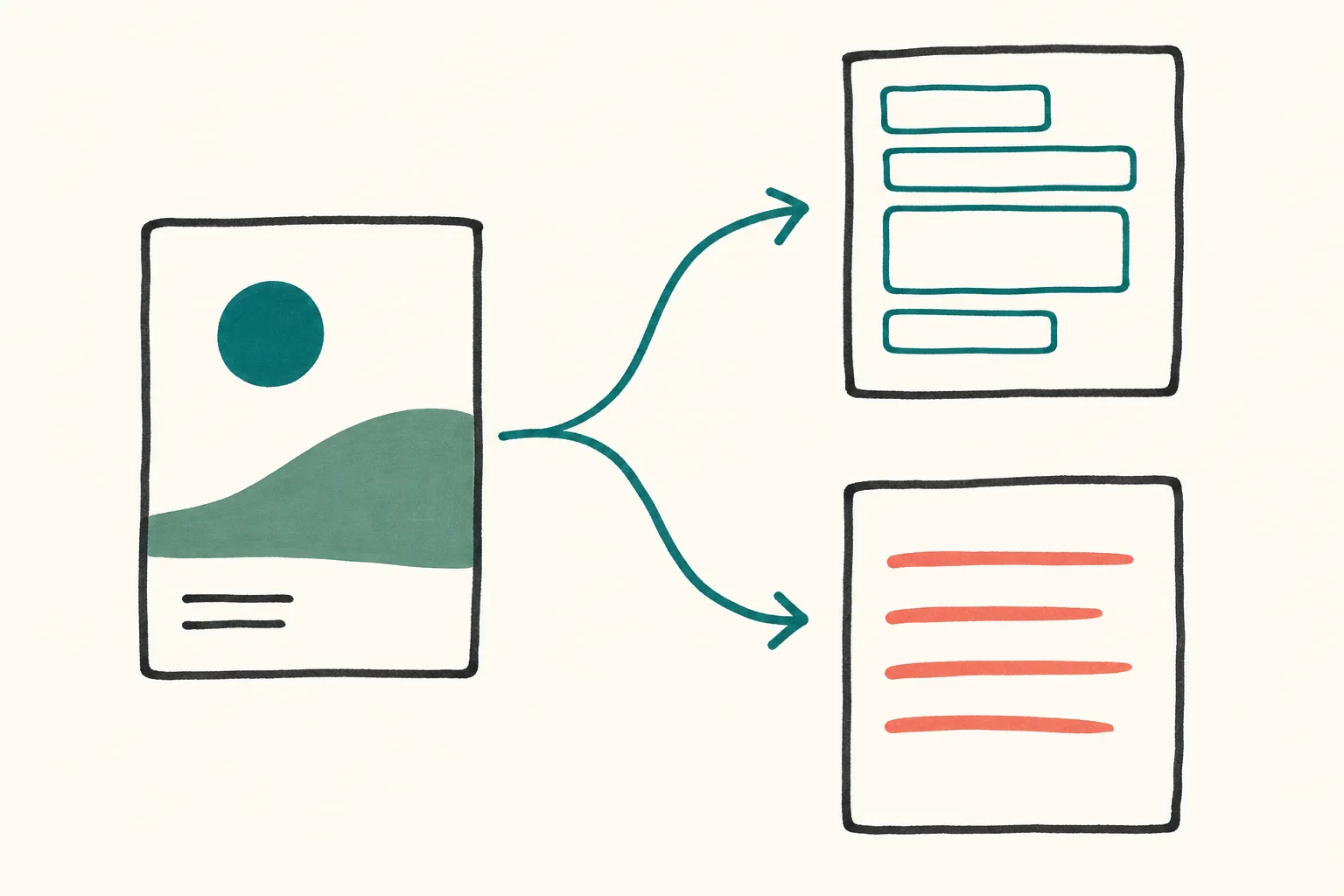
One design becomes two copy-ready prompt formats.
## How the design prompt generator works
1. **Upload a source design.** Choose a PNG, JPG, or WebP image of artwork you own or have permission to use.
2. **Map the visual system.** The AI identifies composition, typography, palette, texture, lighting, subject placement, and the details that should be preserved or avoided.
3. **Detect the reusable inputs.** Names, dates, titles, colors, choices, and other editable content become explicit `{{Your … here}}` variables. Reference photos are added separately only when the design needs them.
4. **Copy the format you prefer.** Use the JSON version for structured control or the plain prompt for a conventional image-generation workflow.
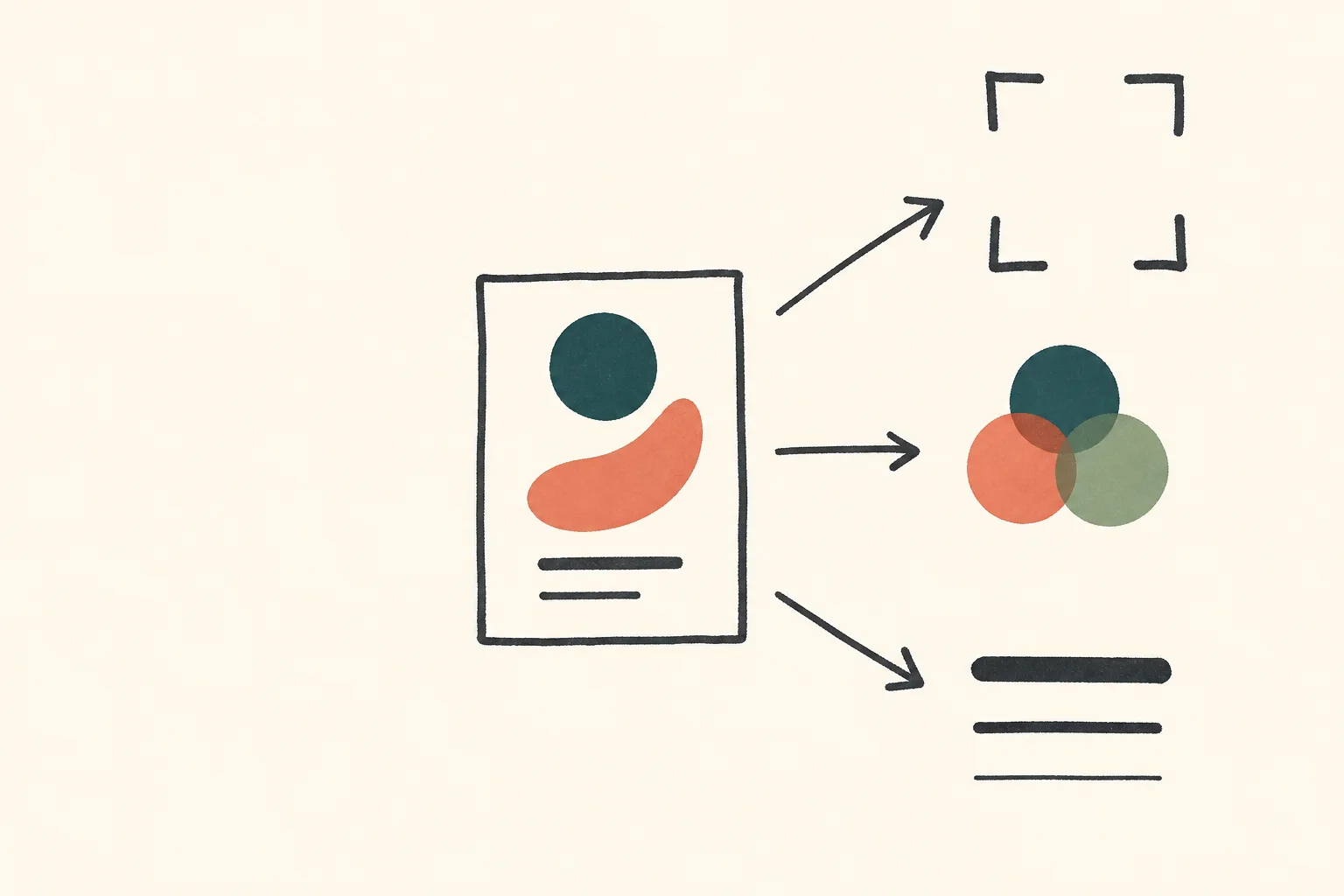
The analysis separates the visual decisions that need to remain stable.
The browser removes image metadata and resizes large uploads before analysis. Your normalized image is sent to the AI provider to create the prompts, but Personalize.design does not save the upload or generated output.
## What the generated prompts contain
The prompts aim to make every visible decision explicit instead of using vague instructions such as “match this image.” Depending on the source artwork, the output can describe:
- canvas format, crop, margins, focal point, and relative placement;
- visual style, color relationships, material effects, texture, and lighting;
- typography style, hierarchy, alignment, spacing, and variable placement;
- which editable inputs the design needs and how each one must be formatted;
- how a person, pet, product, place, or object reference should be integrated when relevant;
- which elements to preserve, replace, and avoid;
- a practical generation sequence for rebuilding the composition consistently.
The prompt is self-contained. It should not instruct Personalize.design or another image model to inspect the source design, because that image will not be part of the later personalization workflow.
## JSON prompt or plain prompt?
Both tabs describe the same target artwork and use the same variables.
| Format | Best use |
| --- | --- |
| JSON prompt | Labeled sections that are easy to inspect, edit, store, or reuse in a repeatable Blueprint. |
| Plain prompt | One detailed block of instructions that can be pasted directly into a conventional prompt field. |
The JSON is an instruction object, not a guarantee that every image model will interpret each field identically. Test the result, inspect the preview, and refine the constraints that matter most for the product.
## Variables follow the design
Every generated variable uses the same copy-ready format: `{{Your descriptive field here}}`. The wording inside the braces changes according to the design. For example:
- `{{Your pet name here}}` for a name printed below a portrait;
- `{{Your event date here}}` for an editable date;
- `{{Your color choice here}}` for a color selected by the shopper.
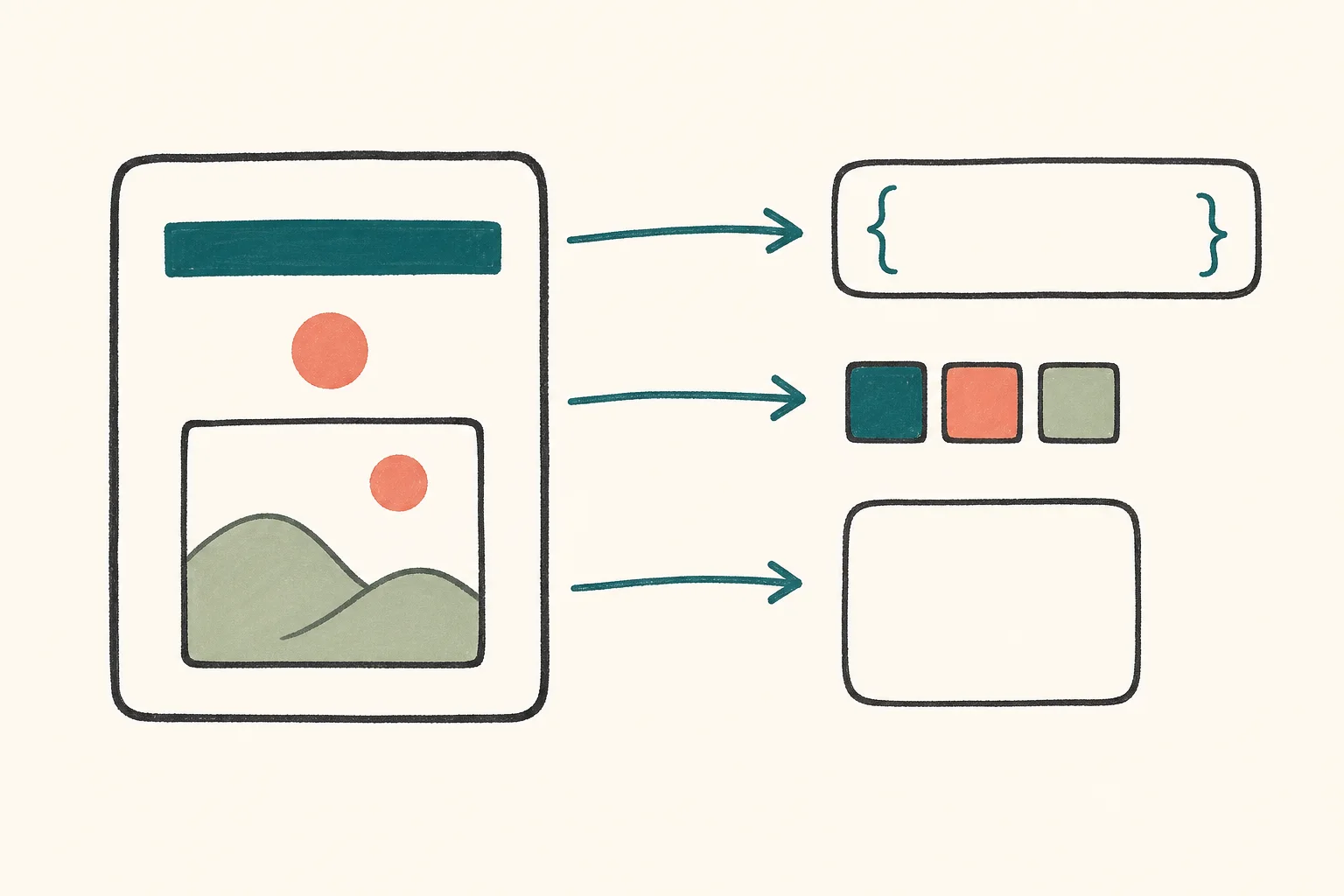
Editable elements become explicit inputs; reference images remain separate.
These are examples, not fixed fields. The AI creates the smallest useful set of variables and places every one in the final prompt. If the future generation needs a reference image, such as a person, pet, product, or place photo, the JSON describes that image as a separate input rather than pretending it is text.
## Rights and practical limits
Only upload artwork you own or have permission to reproduce. Do not use the tool to copy logos, protected characters, watermarked work, or artwork whose reuse is restricted. The generator can describe visual structure, but it cannot determine whether you have sufficient rights or whether an output infringes someone else's work.
Image analysis can miss small lettering, subtle textures, or production details. Check the generated prompt before using it, then verify the resulting artwork at the final print dimensions. A prompt is a production starting point, not proof of legal clearance or print readiness.
## Frequently asked questions
### Does the tool always create the same variables?
No. The variables come from the uploaded design. A design with a name and date receives different inputs from a pet portrait, product label, location poster, or artwork with no visible text.
### Do I upload the future reference photo here?
No. Upload only the source design you want to translate into a reusable prompt. If the design benefits from a future reference image, the generated output explains which photo to provide and how to integrate it.
### Will the result recreate the design exactly?
No image model can guarantee a one-for-one reconstruction. The tool produces detailed instructions intended to preserve composition, hierarchy, and visual character while making the appropriate content reusable. Results still vary by model, reference inputs, aspect ratio, and generation settings.
## Turn the prompt into a reusable product
Paste the chosen output into a Personalize.design Blueprint, create shopper fields for the detected variables, and add any reference-image input described by the prompt. Before publishing, test varied values, image types, and text lengths to confirm that the composition remains stable.