
TL;DR
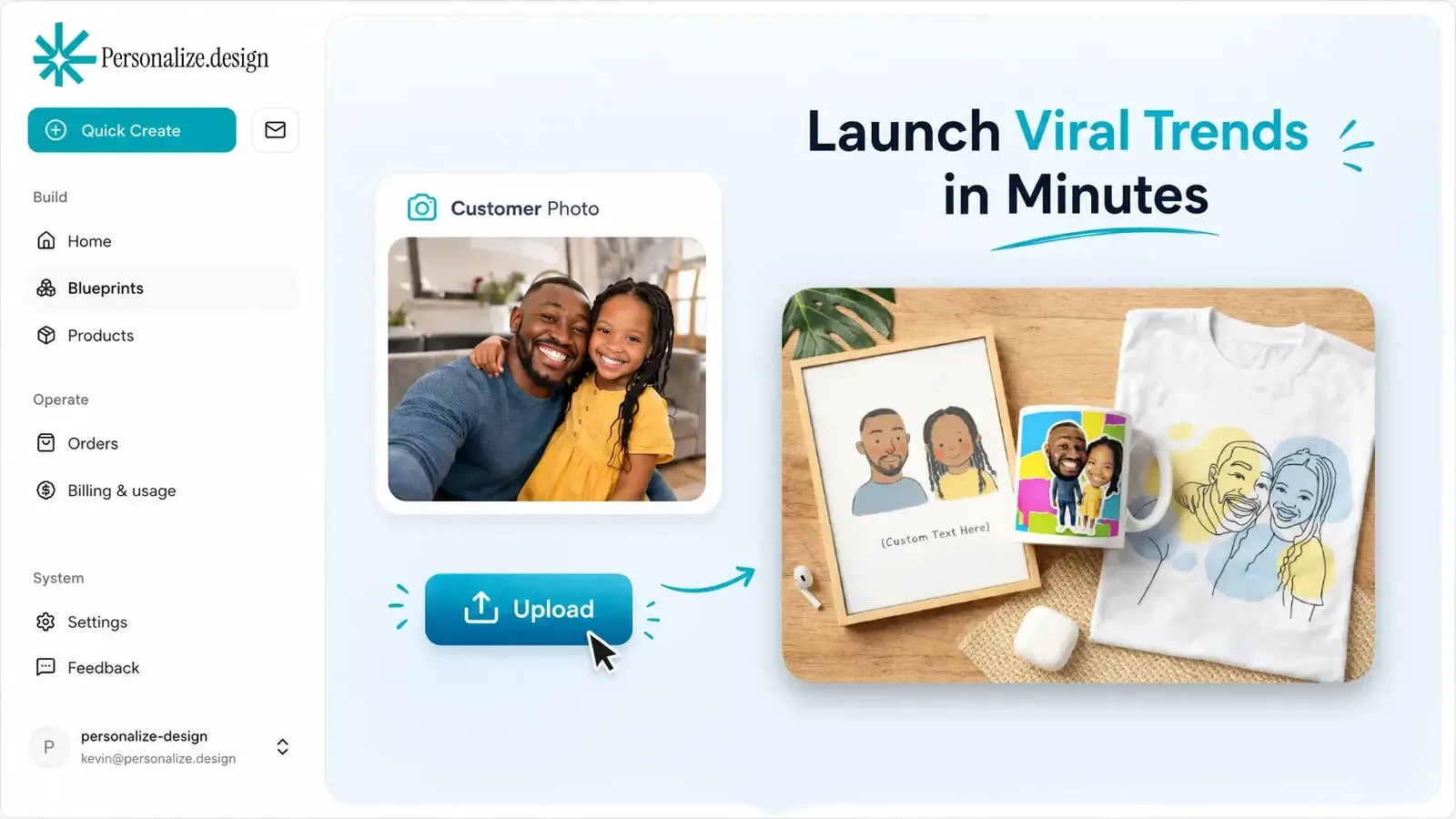
Personalize.design is built for Shopify POD merchants who want to stand out from generic POD products, start with one idea, and launch quickly. Use one reusable AI Blueprint to test a product, let shoppers provide a photo or brief, and show the generated result before checkout. High-quality generative AI now makes it possible to sell custom artwork that previously required a designer to create by hand, while keeping the final artwork print-ready for fulfillment.
The right operating model depends on how often you launch, what your team can own, and how much control you need after the first product is live. An agency can help you get moving. An internal team can keep the system close to the business. A reusable AI workflow can reduce the amount of custom design work each order creates.
What an agency can provide
An external partner is useful when you have a clear product idea but no dedicated product or technical team. An agency can help define the offer, configure the first workflow, prepare the storefront experience, and document the handoff.
The trade-off is ownership. Every new style, supplier change, input field, and quality issue may need to go through the partner. Before signing, ask what you will receive: source files, prompts, product rules, order data, training, documentation, and a clear way to leave.
What an internal team controls
An in-house workflow keeps product knowledge, iteration, data, and daily operating decisions close to the store. Your team can change a product when customer feedback arrives, test a new style, and decide how much review a generated order needs.
This model makes sense when personalized products are a core part of the catalog and someone can own the workflow after launch. It is a poor fit when the team will build a complex system once and then have no time to maintain prompts, inputs, product mappings, or fulfillment exceptions.
| Decision | Agency-led | In-house |
|---|---|---|
| Initial capacity | Purchased for the project | Built over time |
| Product knowledge | Transferred through a brief | Held within the team |
| Iteration | Scoped and scheduled | Continuous |
| Ownership | Defined by contract | Internal |
A practical hybrid
A hybrid model often fits a small Shopify merchant best. A partner can help establish the first product and the merchant can own the reusable system afterward. Personalize.design is designed for this handoff: build and test an AI Blueprint, connect the product, and publish only when the shopper preview and production output make sense.
The first product should be narrow enough to evaluate. A pet portrait, house illustration, or family gift is easier to test than an entire personalized catalog. Use the AI product personalization guide to define the shopper inputs, test difficult photos, and decide where human review belongs.
Questions before deciding
Clarify the expected catalog size, launch cadence, support model, data access, handoff materials, and who maintains the workflow after the initial release. Also ask:
- Can the merchant test a real shopper photo before publishing?
- Does the workflow produce a print-ready file attached to the order?
- Can a merchant review, replace, or retry an output before fulfillment?
- What happens when the supplier, product variant, or generated artwork needs attention?
For a focused Shopify POD workflow, build the first Personalize.design product free, compare the other alternatives, and use the personalized product margin calculator before committing to a larger implementation.