
TL;DR
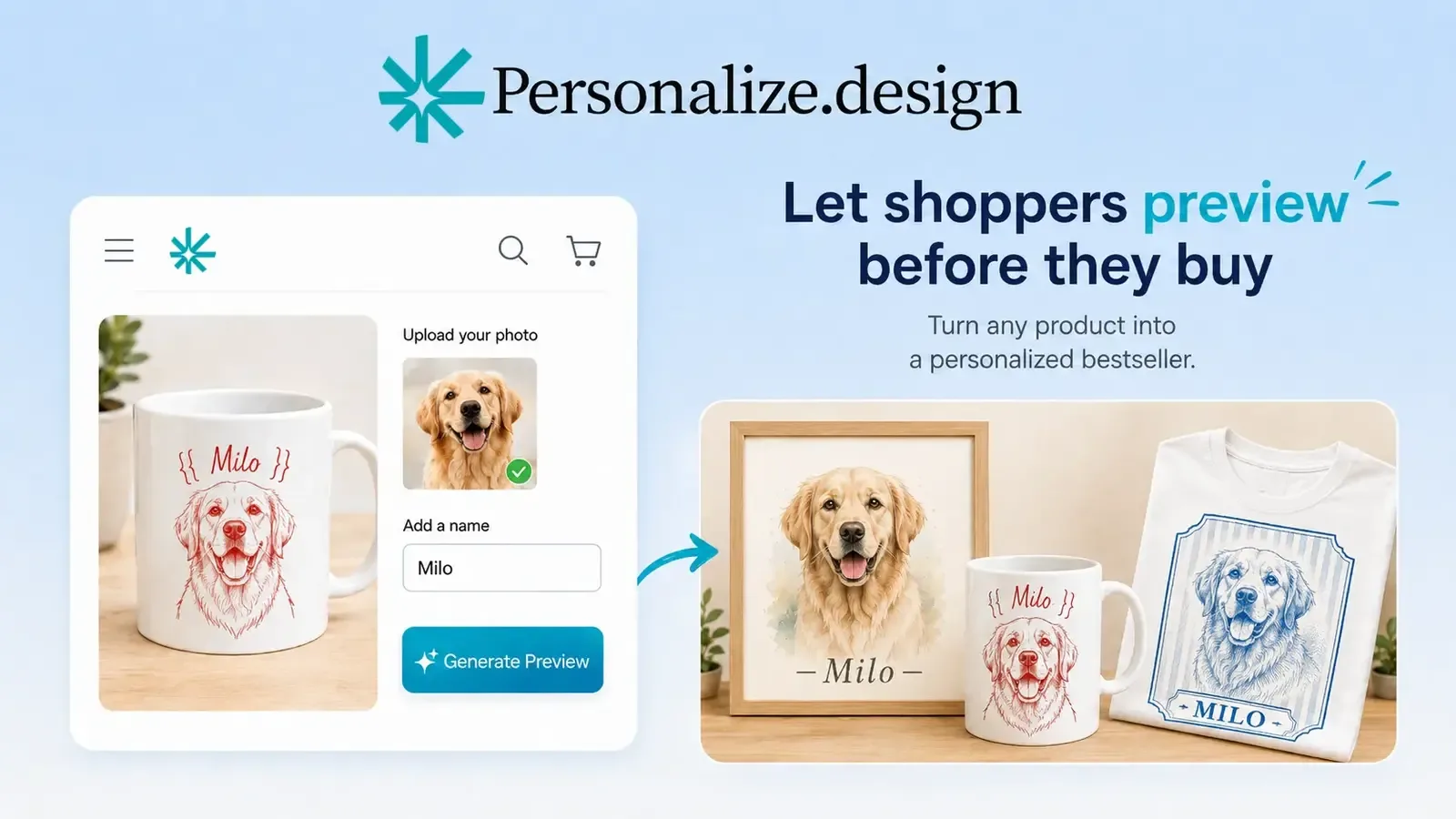
Personalize.design is built for Shopify POD merchants who want to stand out from generic POD products, start with one idea, and launch quickly. Use one reusable AI Blueprint to test a product, let shoppers provide a photo or brief, and show the generated result before checkout. High-quality generative AI now makes it possible to sell custom artwork that previously required a designer to create by hand, while keeping the final artwork print-ready for fulfillment.
Manual design is often the fastest way to validate a first product. It stops being a good operating model when every order needs the same creative work, when revisions pile up, or when the merchant cannot predict when a print-ready file will be ready.
Why merchants replace manual production
Manual design can validate an early product, but turnaround time, revision queues, and inconsistent files become harder to manage as order volume grows.
The main alternatives
| Approach | Best fit | Main trade-off |
|---|---|---|
| Fixed templates | Predictable text and image placement | Limited creative range |
| Layer-based customizer | Prepared visual options | Asset maintenance |
| Custom automation | Proprietary high-volume workflow | Engineering ownership |
| Controlled AI | Flexible generated outcomes | Requires rules and QA |
Fixed templates are the easiest option when the visual system is predictable. A layer-based customizer gives shoppers more choices but asks the merchant to maintain the assets and rules behind those choices. Custom automation can fit a high-volume business with engineering capacity. A controlled AI workflow fits products where a shopper’s photo or brief should become new artwork.
Personalize.design uses a reusable AI Blueprint for that last workflow. The merchant tests the recipe, the shopper provides the source material, and the generated product can be previewed before checkout. The final artwork remains connected to the order for the fulfillment handoff.
Choose the smallest useful change
Do not replace an entire catalog before you know what is broken. Start with one product and measure the work around it:
- Time from product idea to a working storefront preview.
- Time the shopper needs to provide usable input.
- Number of manual corrections before the file is ready for production.
- Total cost of generation, review, reprints, and fulfillment exceptions.
Plan the transition
Document current inputs, file specifications, exception cases, fulfillment steps, and the order data that must survive migration. Run both workflows on a small product set before switching the entire catalog. Keep the manual path available until you have tested a difficult input, a failed generation, a supplier mismatch, and a customer order that needs review.
Read the guide to AI product personalization on Shopify, use the personalized product margin calculator, and build a Personalize.design product free before you automate more than one product.