TL;DR
Personalize.design is built for Shopify POD merchants who want to stand out from generic POD products, start with one idea, and launch quickly. Use one reusable AI Blueprint to test a product, let shoppers provide a photo or brief, and show the generated result before checkout. High-quality generative AI now makes it possible to sell custom artwork that previously required a designer to create by hand, while keeping the final artwork print-ready for fulfillment.
Personalize.design is a Teeinblue alternative for Shopify POD merchants whose main product is newly generated artwork from a shopper’s photo or brief. Teeinblue is a capable product system for a configurable POD catalog with prepared options, layers, multiple providers, and several Shopify stores. Personalize.design is built natively for a different job: the shopper’s input becomes new artwork, is rendered on the product, and moves into a Printful or Printify workflow that can be automated or held for merchant review before submission.
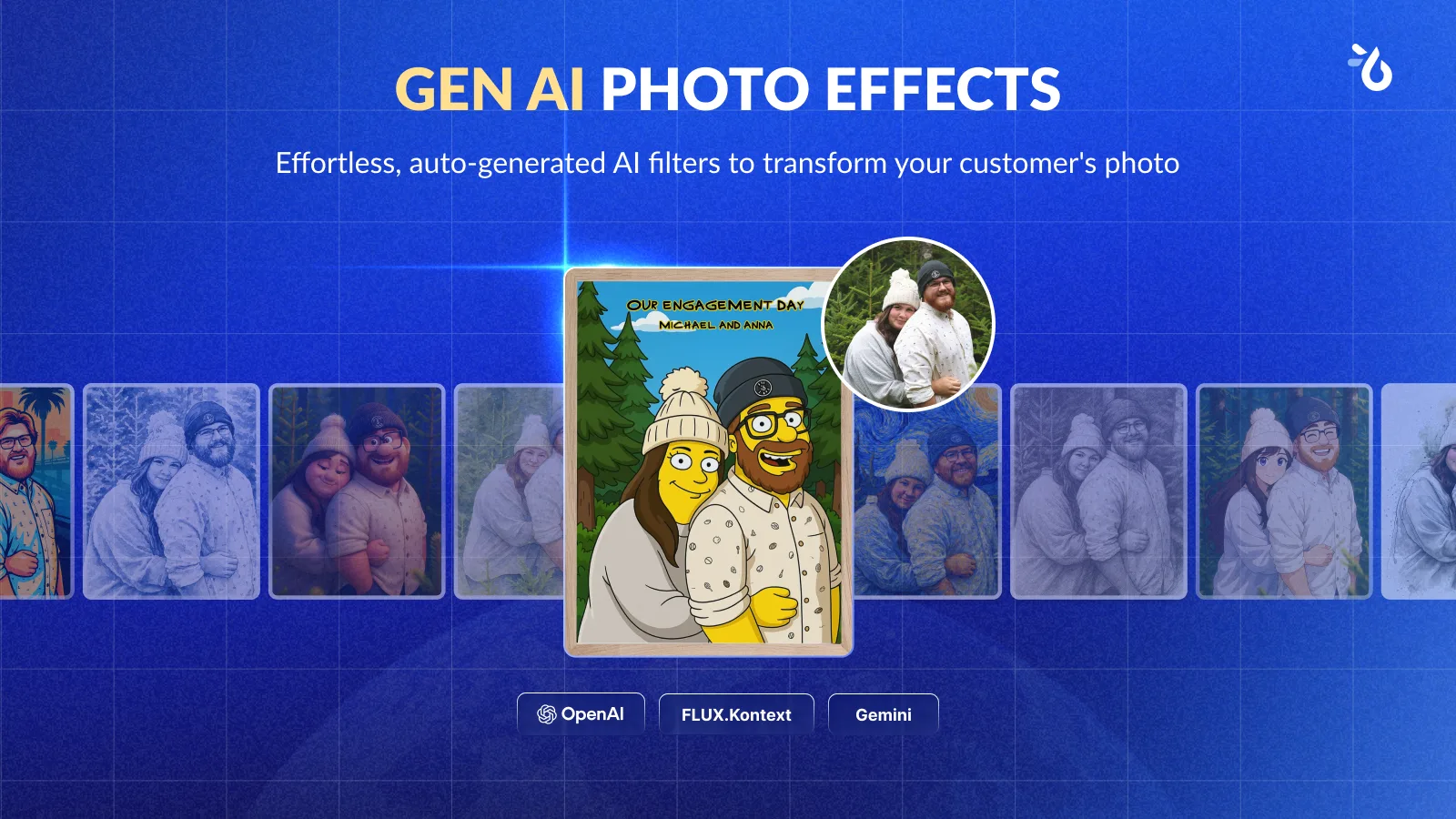
Teeinblue also includes AI-assisted effects, but its AI role is closer to a filter and effects system inside a broader product editor: background removal, face cutout, pencil sketch, and photo effects augment a prepared layer-based workflow. Personalize.design is built for the generative step itself: prompts, reference artwork, shopper inputs, and output rules create new product artwork inside a reusable AI Blueprint.
Teeinblue vs. Personalize.design at a glance
| Decision | Teeinblue | Personalize.design |
|---|---|---|
| AI-generated artwork | Primarily an AI filter and effects system: Gen AI effects, background removal, face cutout, and pencil-sketch tools inside a broader product editor. | AI-native from the start. AI Blueprints combine prompts, reference artwork, shopper inputs, background removal, and output rules to generate new product artwork. |
| Live preview | A classic configured-product preview: prepared assets and layers are composited as shoppers change options. | A generated product render: the artwork is created from shopper input and shown in a supplier product mockup before checkout. |
| Layers and configuration | Artwork layers can receive clipart, photo, map, star-map, text, toggle, and conditional options. | A reusable Blueprint holds prompts, references, shopper inputs, product constraints, print-area requirements, model settings, and generation limits instead of a large prepared layer library. Shopper variables guide the generation instead of acting mainly as fixed text layers. |
| Fulfillment | Direct API connections include Printify, Printful, Gelato, and other providers. For the documented Campaign by Product Base flow, Teeinblue’s help guide says API-connected orders still need a merchant confirmation before they are sent. | Printful and Printify workflows can auto-submit or pause for review. In review mode, the merchant can inspect the customer input, artwork, product mockup, and production details, replace the asset if needed, then approve submission. |
| Price | $49/month, with the first 100 orders free of transaction fees, then published bands of $0.40, $0.20, and $0.10 per item. The published trial is 14 days, with unlimited Shopify stores in one account. | Build has no subscription fee for drafts and testing. Launch is $29/month or $290/year; the 14-day trial waives the subscription and item fee, then adds $0.45 per personalized item sold. AI generation is billed at cost. |
| Where complexity sits | More setup in assets, layers, options, conditions, variants, print areas, and provider mappings. That work buys fine control over a prepared product system. | Complexity moves to prompting, references, shopper input rules, model choice, output constraints, and quality checks. The AI design prompt generator can create a strong starting prompt automatically. |
The table is not a feature score. Teeinblue gives merchants detailed control over prepared product elements. Personalize.design gives POD merchants an AI-native workflow for creating new artwork from shopper input, rendering it on the product, and sending it into fulfillment while keeping merchant approval available when quality or supplier checks need a human decision.
Teeinblue is a capable system for configurable POD catalogs
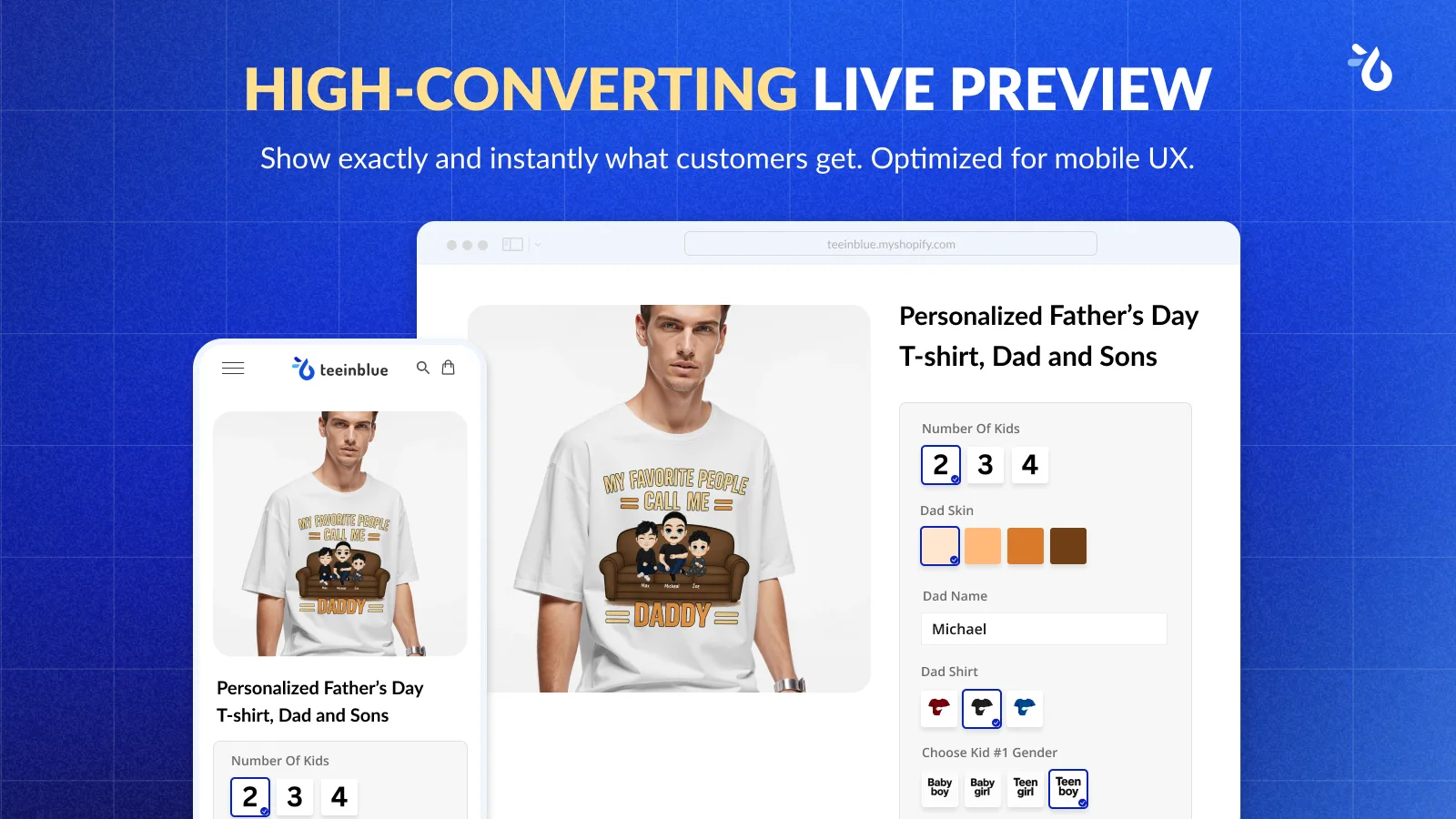
Teeinblue’s Shopify listing describes text, photos, clipart, maps, moon phases, live previews, automatic production files, and direct connections to many POD providers. It also lists AI effects such as background removal, face cutout, and pencil sketch, plus bulk uploads, auto-synced options, multi-condition logic, and Canva import. The AI layer mainly applies filters and effects inside the broader layer-based product editor.
The layer model is the useful part to understand. Teeinblue lets a merchant attach personalization behavior to individual artwork layers. A layer can use a clipart category, accept a photo, display a map, share settings with another layer, or show and hide based on a toggle or condition. The official layer-options documentation describes those controls, including how a default choice appears in the live preview.
This is a good fit for a family poster with fixed character parts, a map product, a jersey with known options, or a product where the merchant wants to define every valid combination before publishing. It is also useful for merchants managing a prepared POD catalog across providers and stores. The customer experience can be polished, but the merchant must maintain the underlying asset system. More options mean more relationships to test.
Personalize.design is built around AI generation
Personalize.design starts with an AI Blueprint rather than a set of interchangeable parts. AI is native to the workflow: the Blueprint defines the prompt, reference artwork, shopper inputs, background-removal steps, model settings, output rules, and how the artwork should fit the connected product. One Blueprint can be tested, reused, and attached to more than one product instead of rebuilding a layer system for every SKU.
That model is better suited to products such as pet portraits, family illustrations, and photo-to-art gifts. The shopper supplies the raw material. The workflow generates a new visual result, renders it on a supplier product mockup, and keeps the approved artwork attached to the order.
The prompting work is manageable because it can be supported by tools. The AI design prompt generator can turn a product idea into a structured starting prompt, which the merchant then adapts and tests in the Blueprint. Merchant-controlled model choice, generation limits, and spend visibility keep the workflow practical for POD margins. Quality still improves when the merchant tests difficult photos, gives shoppers clear input instructions, and sets output rules.
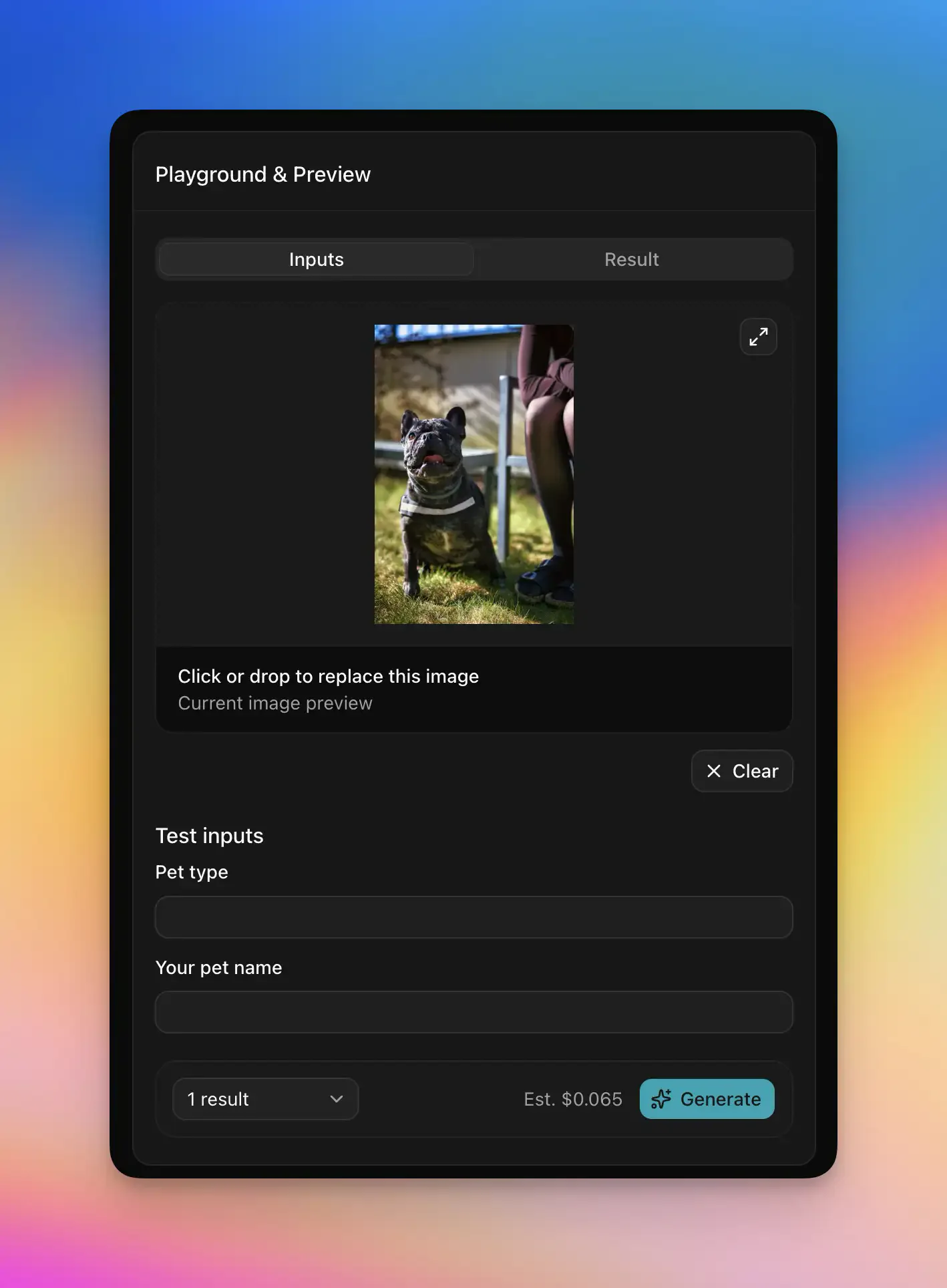
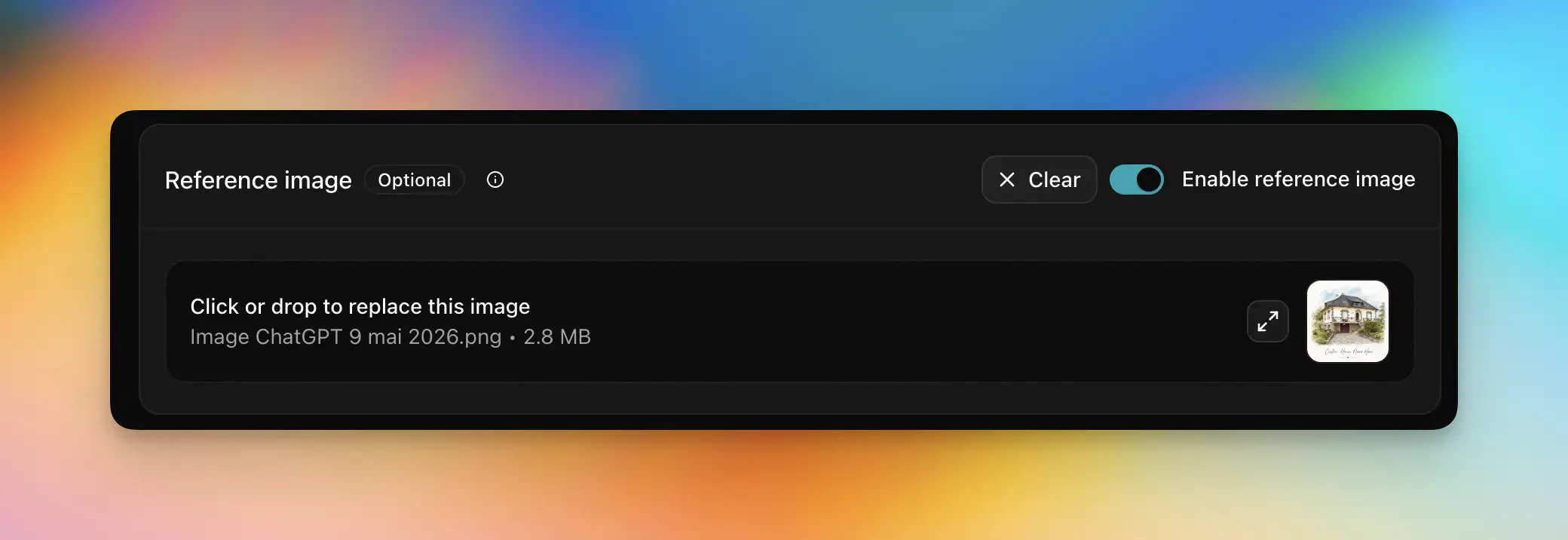
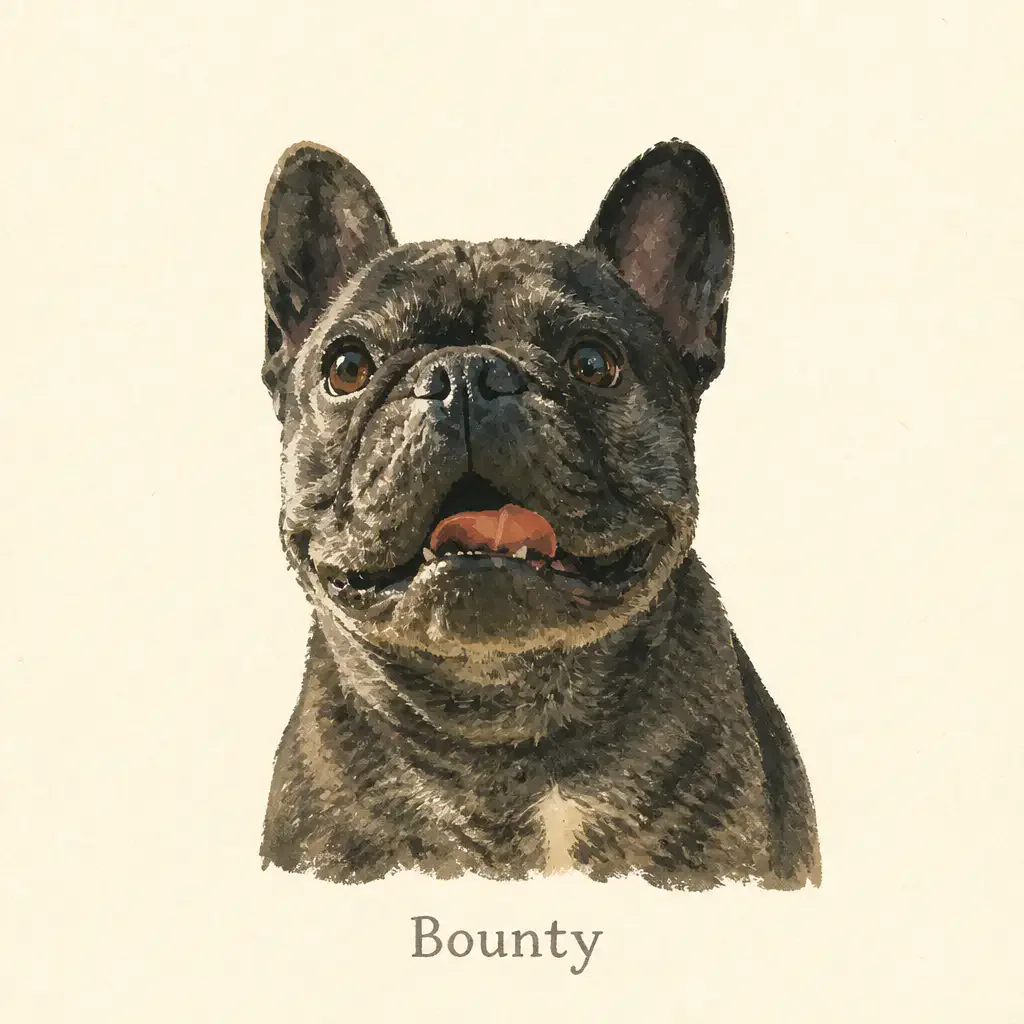
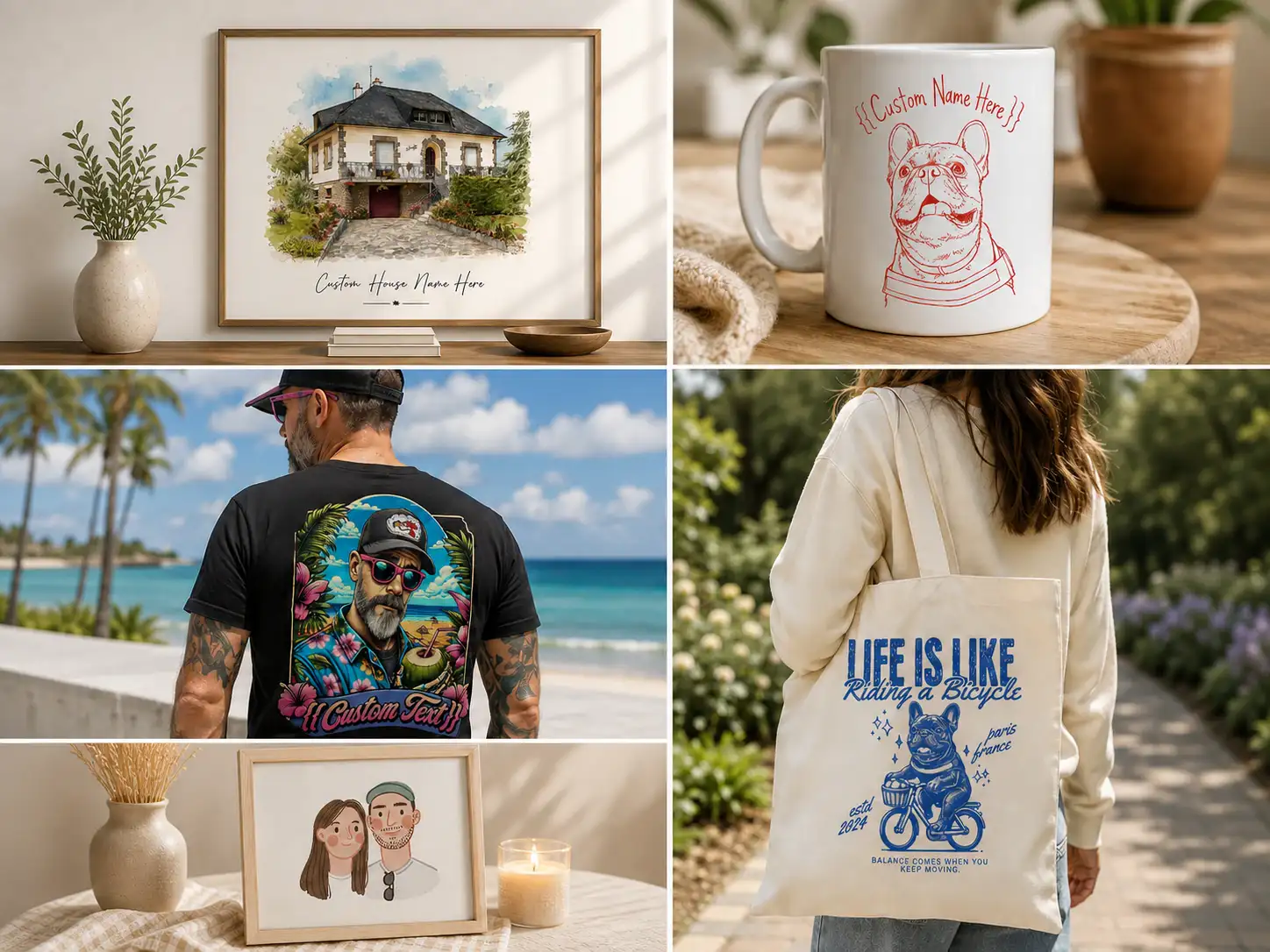
Teeinblue uses AI as one set of capabilities inside a prepared product system. Personalize.design is built around AI generation from shopper input, with references, prompts, and output rules at the center of the product workflow.
Fulfillment: automate the handoff or review before submission
Teeinblue’s fulfillment documentation lists API connections to providers including Printify, Printful, Gelato, ShineOn, and Printway. The guide also tells merchants to verify the provider catalog ID, variant SKU, print-area key, and print-area size before sending an order.
The operational detail matters: for API-integrated providers in the documented Campaign by Product Base workflow, the guide says orders are not automatically sent. The merchant must open the order, check its details, and click Confirm & send to fulfill, or use bulk fulfillment. For non-integrated providers, the merchant may need to download the design and submit it manually or export a CSV.
Teeinblue gives merchants a clear approval step before fulfillment. A store that wants a human to verify the design before production may prefer this. The workflow places that approval inside the merchant’s fulfillment process.
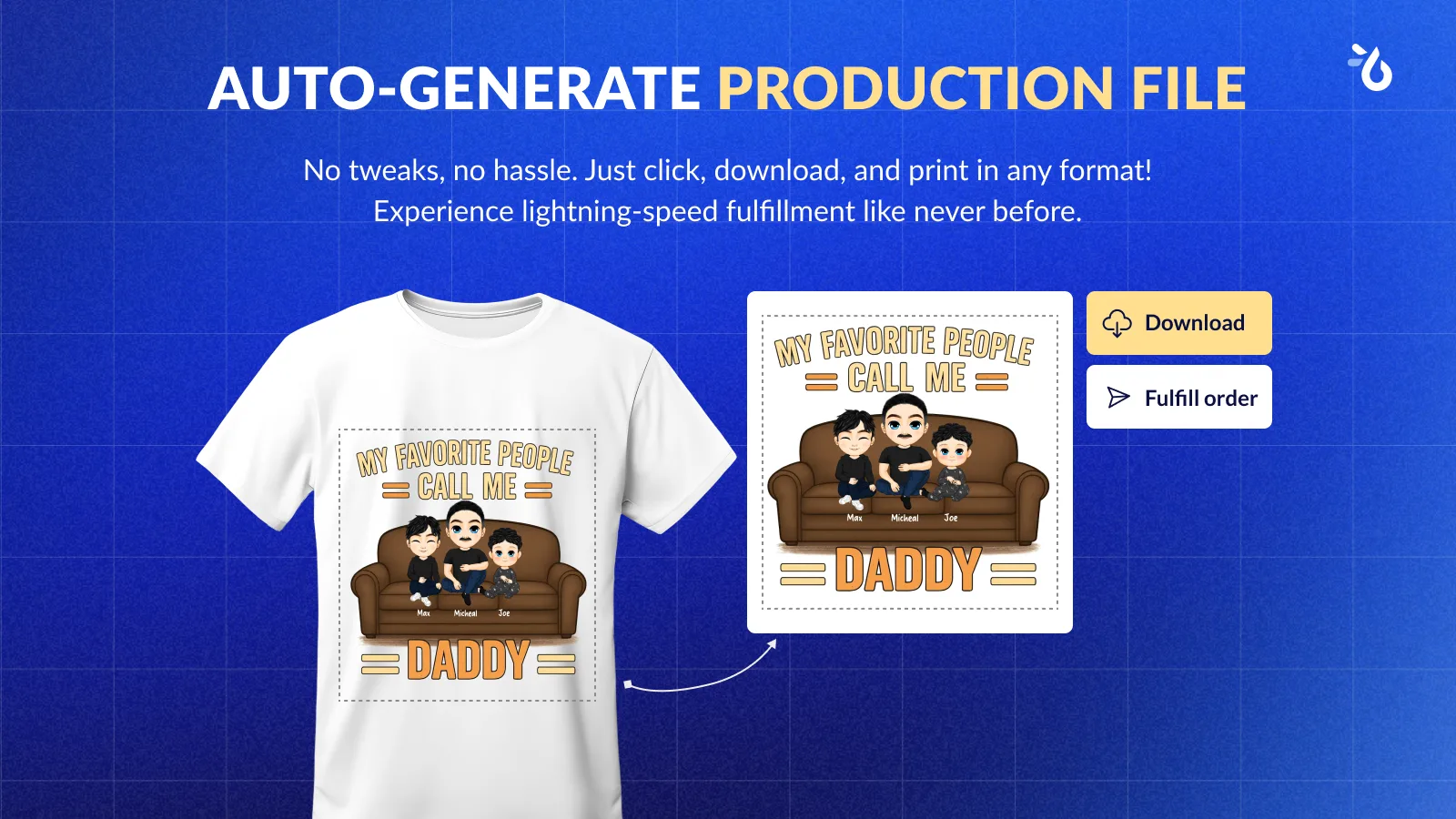
Personalize.design supports two fulfillment modes for Printful and Printify. With auto-submit enabled, validated orders move through the connected provider workflow without a manual approval step. With review before submit enabled, the order pauses in Needs review after the artwork and product mockup are ready. The merchant can inspect the customer input, current artwork, product mockup, print dimensions, and production details, download or replace the final asset, then click Approve and submit.
That gives the merchant control without turning every order into manual design work. Supplier, product, variant, and print-surface checks still happen before submission, and an order that needs attention can be corrected or retried instead of being sent blindly to production.
Compare total cost, not the subscription alone
Teeinblue publishes a $49 monthly plan with a 14-day trial. Its pricing page says the first 100 orders have no transaction fee, followed by $0.40 per item from 101 to 1,000, $0.20 from 1,001 to 10,000, and $0.10 above 10,000. The site uses both “orders” and “items” in the explanation, so confirm which unit appears on your bill. It also says one account can cover multiple Shopify stores.
Personalize.design has a free Build plan for drafts and testing. Launch costs $29 per month or $290 per year. During the 14-day trial, the Launch subscription and $0.45 item fee are waived, while AI generation remains billed at cost from first use. After the trial, each personalized item sold adds $0.45, and generation spend still depends on previews, retries, abandoned sessions, and failed attempts.
Use the personalized product margin calculator to write down the assumptions for both products. Add the staff time needed to review a design, fix a supplier mapping, resend a file, or approve an order. A lower subscription price does not prove a lower cost per shipped product.
Choose the workflow that matches your bottleneck
Choose Teeinblue when the difficult part is building a broad, configurable catalog with prepared layers, many option types, multiple POD providers, or several Shopify stores. Its strength is the control it gives merchants over a large prepared product catalog.
Choose Personalize.design when the generated artwork is the product. It is the AI-native option for a shopper who uploads a photo or brief, sees a real generated render before checkout, and has the result routed through Printful or Printify with either automatic submission or merchant approval before fulfillment.
Start with one representative product rather than migrating an entire catalog. Read the guide to AI product personalization on Shopify, use the AI design prompt generator to prepare the first Blueprint, then try Personalize.design on Shopify.
Sources
- Teeinblue on the Shopify App Store
- Teeinblue pricing
- Teeinblue personalization options for artwork layers
- Teeinblue product page and live preview settings
- Teeinblue fulfillment provider guide
- Personalize.design on the Shopify App Store
For adjacent workflows, compare this page with the Customily alternative and the broader Shopify product personalizer comparison.