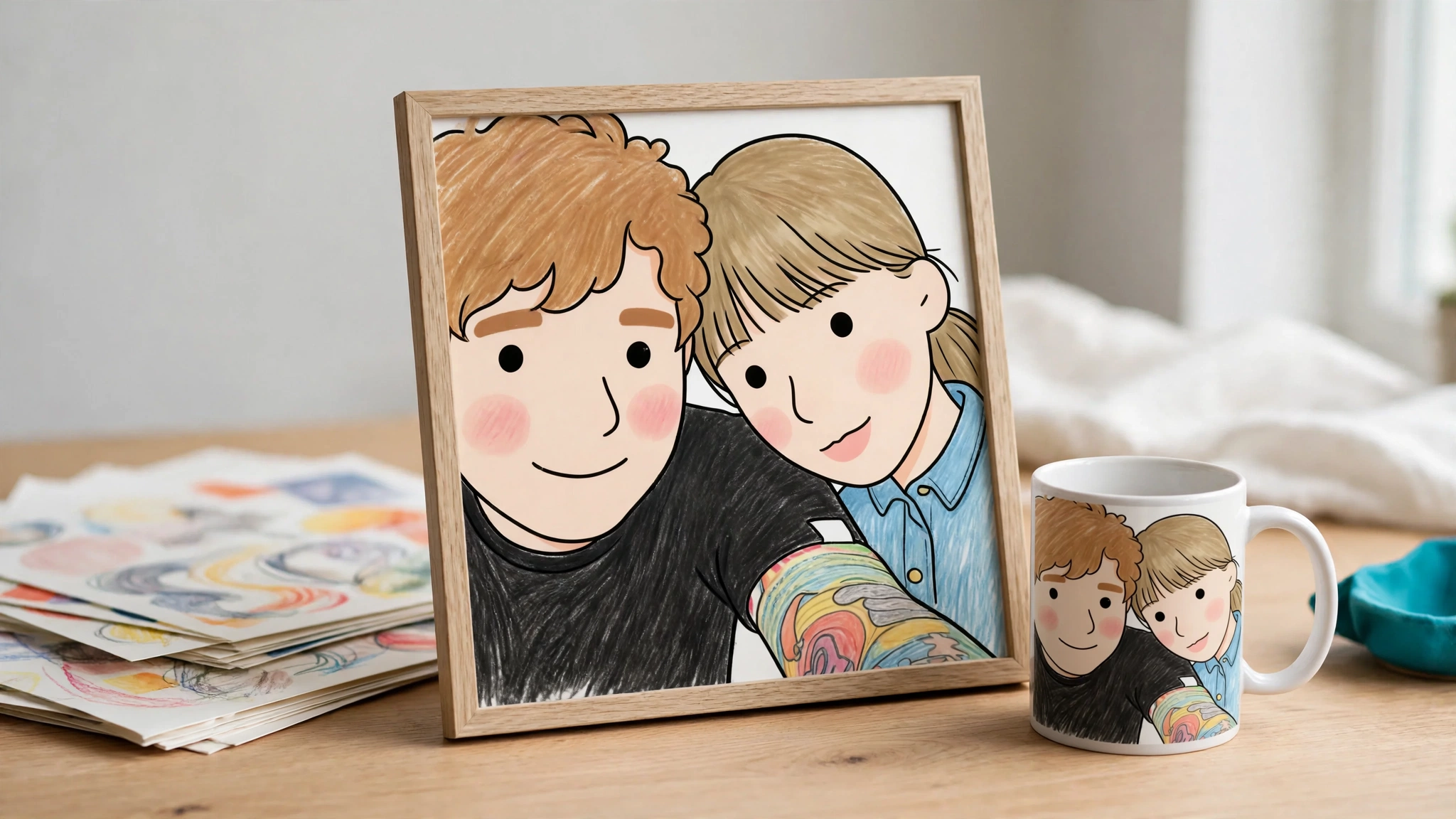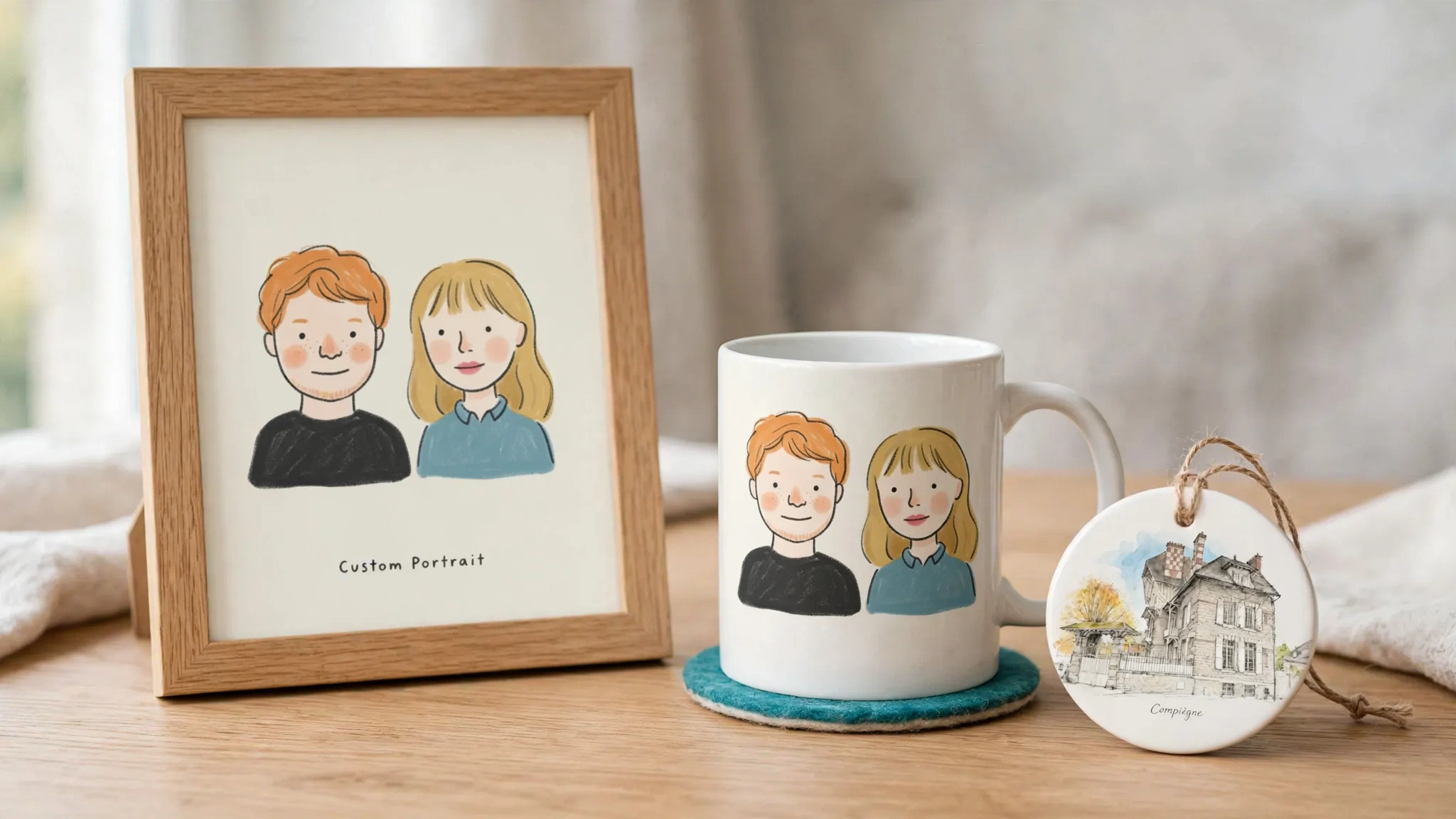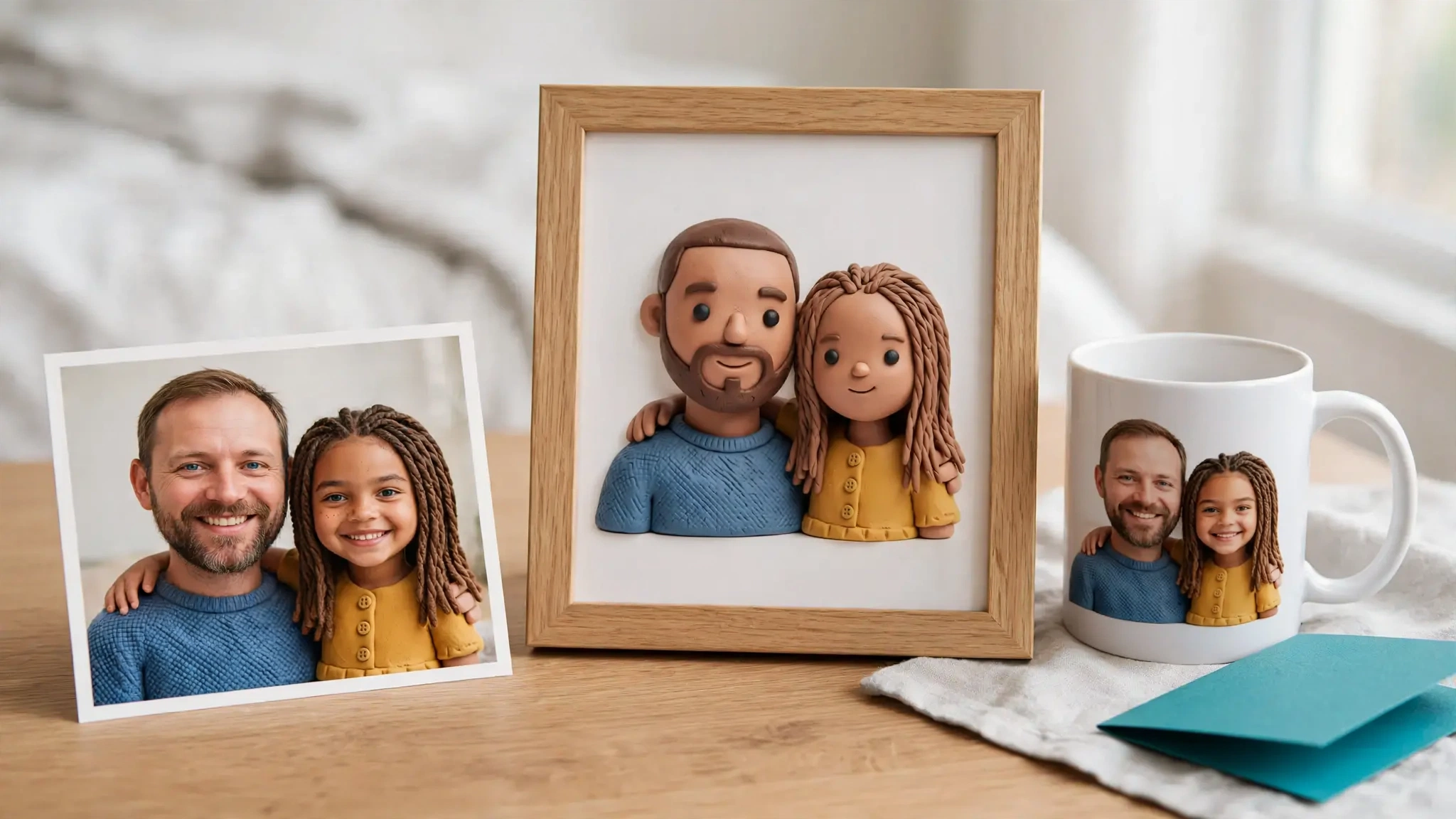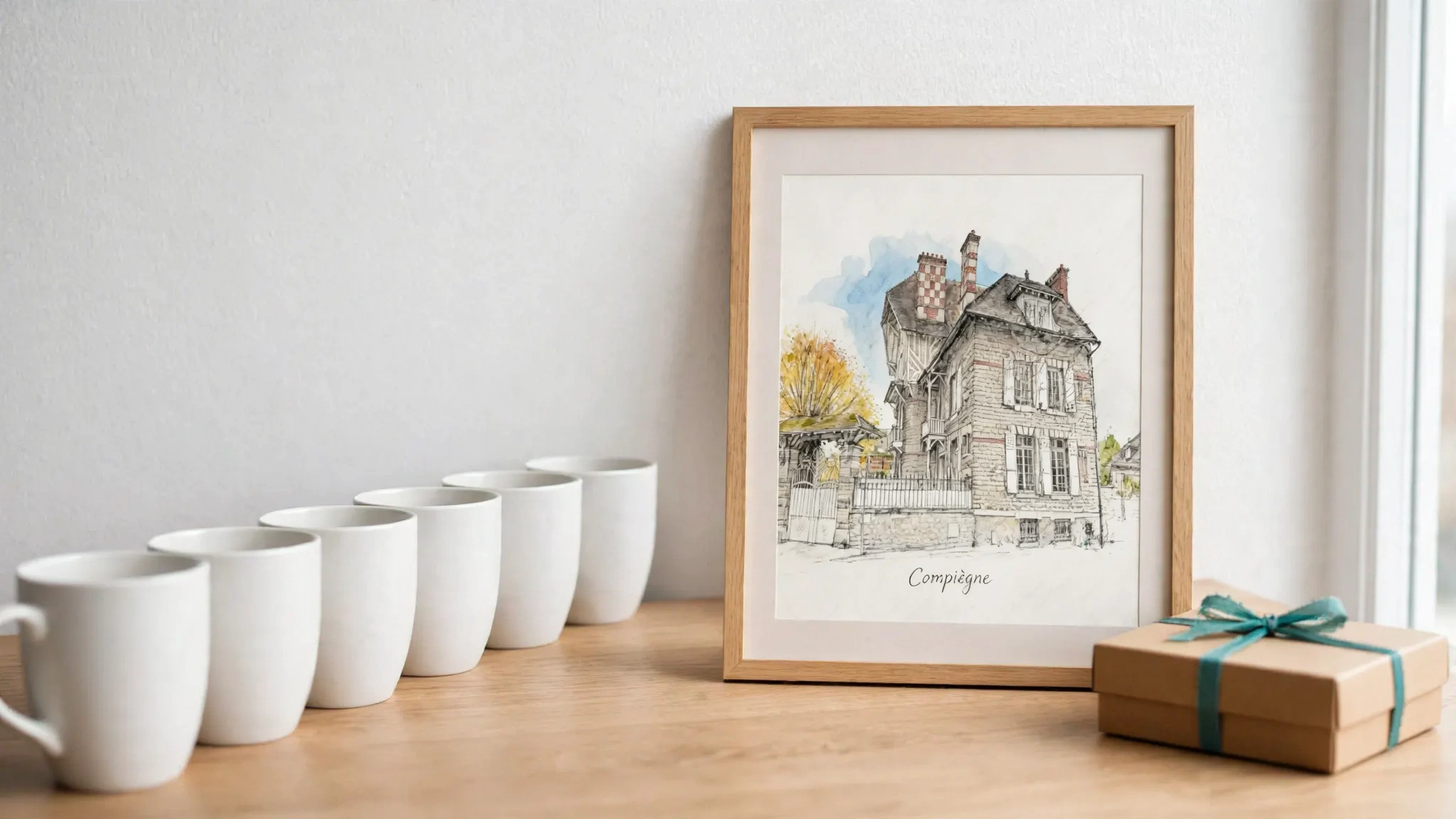
Bulk publishing vs product personalization comes down to one question: is your bottleneck catalog reach or margin per order? Bulk publishing helps you create and publish more listings, faster, so you cover more searches and niches. Product personalization helps a shopper create a product made for them, so each listing can earn more and compete less on price. If your bottleneck is catalog reach, bulk publishing wins. If it is margin and differentiation on products you already sell, personalization wins. Most growing POD stores end up running both: bulk for the catalog, personalization for a few hero products.
Prices and competitor facts checked October 2026.
Bulk publishing vs bulk printing: not the same thing
Search “bulk vs print on demand” and you will find articles about bulk printing: paying for a print run of books or merchandise up front. That is a different decision. Here, both options are print-on-demand. Nothing is printed until a customer pays. The question is where you spend your setup time: on more listings, or on better listings.
What bulk publishing optimizes
Bulk publishing is a listing-production workflow. A typical batch looks like this:
- Upload a set of designs (for example, 40 holiday slogans).
- Apply them to product templates: tees, mugs, totes, with print placement saved per template.
- Generate mockups for every design and product pair.
- Generate or edit titles, descriptions and tags, often with AI.
- Push all listings to your sales channels in one action.
MyDesigns is one of the tools built around this workflow. As of October 2026, its bulk publish page names Etsy, Shopify and TikTok Shop as channels, and suggests pairing it with its separate Vision and Phraser AI tools for titles, tags and descriptions. Its pricing page lists a Free plan (4 products per batch), Starter at $19.99/month billed yearly or $24.99 monthly (24 per batch), Pro at $39.99/month yearly or $49.99 monthly (48 per batch), and Pro Plus at $79.99/month yearly or $99.99 monthly (120 per batch). Other personalization vendors offer bulk tools too. Teeinblue, for example, lists bulk product creation and bulk order fulfillment on its homepage.
Bulk publishing on Etsy, Shopify and Amazon Merch
How you bulk publish depends on the channel:
- Etsy has no native CSV upload for creating new listings. Sellers either duplicate listings and adjust them with Etsy’s Bulk Edit tools, or create them through a connected listing tool or POD integration.
- Shopify supports CSV product import natively, and POD apps can push products from their own catalog.
- Amazon Merch on Demand sellers typically use third-party upload tools to fill in listing forms for many designs at once.
Whatever the channel, POD automation here means the same thing: less time per listing, not more value per listing.
What bulk publishing buys you:
- Search surface. More listings means more long-tail queries you can appear for.
- Fast trend testing. Launch 30 seasonal designs, keep the five that sell.
- Lower cost per listing. Your time per listing drops sharply once templates exist.
What it does not change: each listing is still a fixed design. The shopper sees the same product as every other shopper, and often the same product as competing stores selling similar designs. Price becomes the main lever.
What product personalization optimizes
Personalization is a product-value workflow. Instead of 40 fixed designs, you build one product that changes for every buyer:
- The shopper opens a product page and clicks a personalize button.
- They provide input: a pet photo, a name, a style choice.
- They see a preview of their design on the product.
- They add to cart; the order carries their specific artwork.
- After payment, the print-ready file goes to your POD supplier.
There are two main approaches:
- Template personalization. The shopper types text or uploads a photo into fixed layers. Tools such as Customily and Teeinblue are strong here; see our roundup of the best Shopify product personalization apps. Good for names on mugs, dates on ornaments, photo placement on blankets.
- AI personalization. The shopper’s input feeds an AI prompt that generates new artwork. A dog photo becomes a watercolor portrait; a house photo becomes an architectural sketch. The design itself is unique, not just the text on it. For how this differs from a general image tool, see AI art generator vs AI product personalizer.
What personalization buys you:
- Pricing power. A customer-specific memorial ornament or pet portrait is not directly comparable to a generic one, which gives you room for a higher average order value.
- Gift-driven demand. Pet portraits, memorial gifts, family posters and couple keepsakes are bought for occasions, not for price.
- Less direct competition. Two stores can sell the same fixed design. They cannot sell the same customer’s dog.
What it costs: more setup per product, a preview step that must look good, per-order or per-generation fees, and an order flow that has to carry the right file to production.
Bulk publishing vs product personalization: side-by-side
| Bulk publishing | Product personalization | |
|---|---|---|
| Main goal | Catalog reach | Value per order |
| Who creates the design | Seller, before listing | Shopper, on the product page |
| Unit of work | Many listings, one design each | One listing, one design per buyer |
| Typical setup | Templates, mockups, batch metadata | Shopper fields, preview, order-to-file flow |
| Pricing lever | Volume, competitive price | Customer-specific value, gift occasions |
| Main risk | Thin or duplicate listings; price competition | Preview quality; order-to-production errors |
| Main cost | Subscription, AI credits for metadata | Subscription plus per-item or per-generation fees |
| Best channel fit | Etsy, Amazon Merch, TikTok Shop, large catalogs | Your own Shopify product pages |
| Best-fit products | Slogans, niche designs, seasonal ranges | Pet portraits, memorial gifts, ornaments, family posters |
| What to measure | Listings live, sell-through per design | Preview-to-cart rate, AOV, reprint and support rate |
When bulk publishing wins
Choose bulk publishing first if most of these are true:
- You sell fixed designs and your best sellers come from finding the right niche, not from changing the design.
- You sell mainly on marketplaces where listing count drives discovery.
- You run seasonal launches (Halloween, Christmas, Mother’s Day) and need dozens of listings live in a short window.
- Your bottleneck is time per listing, not margin per order.
In that case, a dedicated bulk tool like MyDesigns is the right purchase. Personalization will not fix a catalog that is too small.
One caution. Google’s guidance on using generative AI content says content generated at scale without adding value may violate its spam policy on scaled content abuse. If you bulk-generate titles and descriptions, make each one accurate and specific. Marketplaces apply their own rules too. On Etsy, check the current Creativity Standards and production partner disclosure before you publish at volume.
When personalization wins
Choose personalization first if most of these are true:
- You already have products that sell, but margins are being squeezed by stores selling similar designs.
- Your best products are gifts: pets, families, couples, homes, memorials.
- Customers already ask for changes in messages (“can you add my dog’s name?”).
- You sell on your own Shopify store (Shopify’s POD setup guide), where you control the product page and the checkout flow.
If you sell mainly on Etsy, its built-in personalization field handles simple text requests; shopper-generated artwork with a preview before checkout needs a product page you control, such as Shopify.
Personalization does not need a big catalog. One well-chosen personalized product is enough to test whether shoppers will pay more.
The hidden cost: what happens after the order
Operations are where the two models really differ.
Bulk orders are simple. The design is fixed, so the print file is known before the order exists. The supplier gets the same file every time.
Personalized orders carry a unique file. That file has to be created, checked and sent to the supplier for every single order. This is where manual work creeps back in:
- Orders held for manual approval of every graphic.
- Artwork rebuilt by hand after the order arrives.
- Low-resolution shopper photos discovered at print time.
- Wrong file sent because the cart line lost its link to the preview.
Before you pick a personalization tool, ask four questions:
- Does the shopper see the actual design before paying, or only a layout?
- Does the order carry a reference to that exact design through checkout?
- Is supplier submission automatic when the artwork is ready, and what happens when it is not?
- Can you review, replace or download the final file when something looks wrong?
If you already hand-design personalized orders, our guide to manual personalization workflow alternatives compares the options.
The cost math: per order, not per month
Subscriptions are easy to compare and misleading on their own. Compare cost per order against extra margin per order.
As of October 2026:
- Printify lists a Free plan and Premium at $39/month or $24.99/month billed yearly (pricing).
- Customily lists $49/month per platform plus a per-item fee of $1.00 for the first 100 unique personalized items each calendar month, falling to $0.50 (101 to 1,000), $0.25 (1,001 to 10,000) and $0.10 (10,001+) (pricing).
- MyDesigns plans run from $0 to $99.99/month; paid plans include monthly AI credits (250 to 2,000), the Free plan includes none (pricing).
- Personalize.design (our app) costs $29/month on the Launch plan, plus $0.45 per personalized item ordered and AI usage for previews, with a 14-day trial for new stores (pricing).
These are different pricing models, so do not compare them on price alone. Re-check them before you buy; pricing pages change.
A worked example, with hypothetical numbers you should replace with your own:
- Fixed-design poster: sells at $29, base cost plus shipping $14, so $15 gross margin.
- Personalized pet portrait poster: sells at $45, same base cost, so $31 gross margin before personalization costs.
- Personalization costs per order: say $1 in per-item fees plus a few previews’ worth of AI generation, about $1.50 in total.
The break-even formula:
Break-even units ratio = fixed-design margin ÷ (personalized margin − personalization cost per order)
Here: 15 ÷ (31 − ~1.5) ≈ 0.51. The personalized version needs to sell about half as many units as the fixed one to make the same gross profit. The question is no longer “which tool is cheaper?” but “will shoppers pay $16 more for their own dog?”. For gift products, test that rather than assume it.
Run the same formula with your own numbers. Include supplier cost, platform fees, AI cost, and a reprint allowance. For more on pricing personalized products, see how to increase AOV with product personalization.
The hybrid model: bulk for reach, AI personalization for hero products
A practical split for a Shopify POD store: automate the catalog layer, personalize the hero layer.
- Catalog layer (bulk). Fixed designs across many niches and seasons. Goal: traffic and trend discovery. Measure sell-through per design and prune monthly.
- Hero layer (personalization). Three to five personalized products in your strongest niches. Goal: margin and repeat gift buyers. Measure preview-to-cart rate, average order value, and support tickets per order.
- Bridge. When a fixed design sells well in a giftable niche (dog breeds, family themes, home), build a personalized version and link to it from the fixed listing.
Example: a store selling 60 dog-breed mugs through bulk publishing notices that five breeds drive most sales. It keeps the 60 mugs and adds one personalized watercolor pet portrait poster, where the shopper uploads their own dog’s photo. The bulk catalog keeps finding dog owners; the personalized product gives them a reason to spend more. See how to sell AI pet portraits on Shopify for the full setup.
A four-to-six-week pilot plan
- Pick one niche where your fixed designs already sell.
- Build 1 to 3 personalized products for that niche. Start with posters or canvas; avoid apparel with complex folds at first.
- Write photo guidelines for shoppers (clear, well-lit, one subject).
- Place a paid test order end to end and check the printed result.
- Run for 4 to 6 weeks and track: preview-to-cart rate, conversion, AOV, reprints, returns and support tickets.
- Decide: expand, adjust the prompt and styles, or stop. As a starting assumption, expand if personalized gross profit per visitor beats the fixed version and reprints stay under about 5% of orders. Adjust these thresholds to your own margins.
Where Personalize.design fits
Personalize.design is an AI product personalizer for print-on-demand, not a bulk publishing tool. If you need to push hundreds of fixed listings to marketplaces, use a bulk tool. Our MyDesigns alternative page explains where each fits.
What it does today, on Shopify with Printify or Printful:
- Blueprints. You write a reusable AI prompt with customer fields (text, number, color, choice), test it on up to four outputs before publishing, and start from a library of templates such as pet watercolor, line art and home sketch styles.
- Preview before checkout. A Personalize button on the Shopify product page lets the shopper upload a photo and fill in the fields, then see a generated preview before adding to cart. The cart line carries a reference to that personalization.
- Spend controls. You set preview limits per product and per session, and an optional monthly spend cap, to keep generation costs predictable.
- Order to supplier. After a paid order, the item is submitted to your connected Printify or Printful store automatically when the artwork is ready. Blocked items show as Action required, and you can review, replace or download the final file, then retry.
It is not “zero-touch”. You still choose products, test Blueprints and handle the occasional blocked order. It is built to keep that work small.
For the end-to-end setup, read the AI product personalizer for print-on-demand guide, what an AI product personalizer is, or how to sell AI personalized products on Shopify.
Want to see the shopper side first? Read how to sell AI pet portraits on Shopify.
Frequently asked questions
What is bulk publishing for print on demand?
Bulk publishing means creating and publishing many POD listings in one batch: upload designs, apply them to product templates and mockups, generate titles and tags, then push everything to your sales channels at once. It optimizes catalog reach and time per listing.
Is bulk publishing the same as bulk printing?
No. Bulk printing is a print run you pay for up front. Bulk publishing is a software workflow for POD sellers: nothing is printed until a customer orders.
What is product personalization in print on demand?
The shopper makes the product their own before buying: they type a name, choose a style or upload a photo, see a preview, and the order carries that artwork to the print provider. Template tools place input into fixed layers; AI personalizers generate new artwork from it.
Can I combine bulk publishing and personalization?
Yes. Use bulk publishing for catalog reach on fixed designs, and personalization on a few hero products where a customer-specific design justifies a higher price. Track them as separate product lines.
How much do personalization apps cost per order?
It depends on the model. As of October 2026, Customily lists $49/month per platform plus per-item fees from $1.00 down to $0.10 per unique personalized item, by monthly volume. AI personalizers usually add a generation cost per preview; Personalize.design, for example, charges $29/month plus $0.45 per personalized item and AI usage. Add subscription, per-item and generation costs per order before you price.
Does Google penalize AI-generated product content?
Not in itself. Google says scaled content without added value can violate its spam policy on scaled content abuse, so keep bulk-generated listings accurate and specific. Google’s helpful content guidance applies to every page it ranks, and its generative AI guidance notes that Merchant Center has its own rules for AI-generated product titles and descriptions.
Turn one proven niche into a personalized hero product
Keep your bulk catalog. Add one personalized hero product in your best niche, run it for a month, and let the numbers decide.
Install Personalize.design from the Shopify App Store, connect Printify or Printful, and build your first Blueprint. New stores get a 14-day trial.

Written by Kévin D
Founder, product designer and merchant. We turn practical product lessons into clearer merchant workflows.