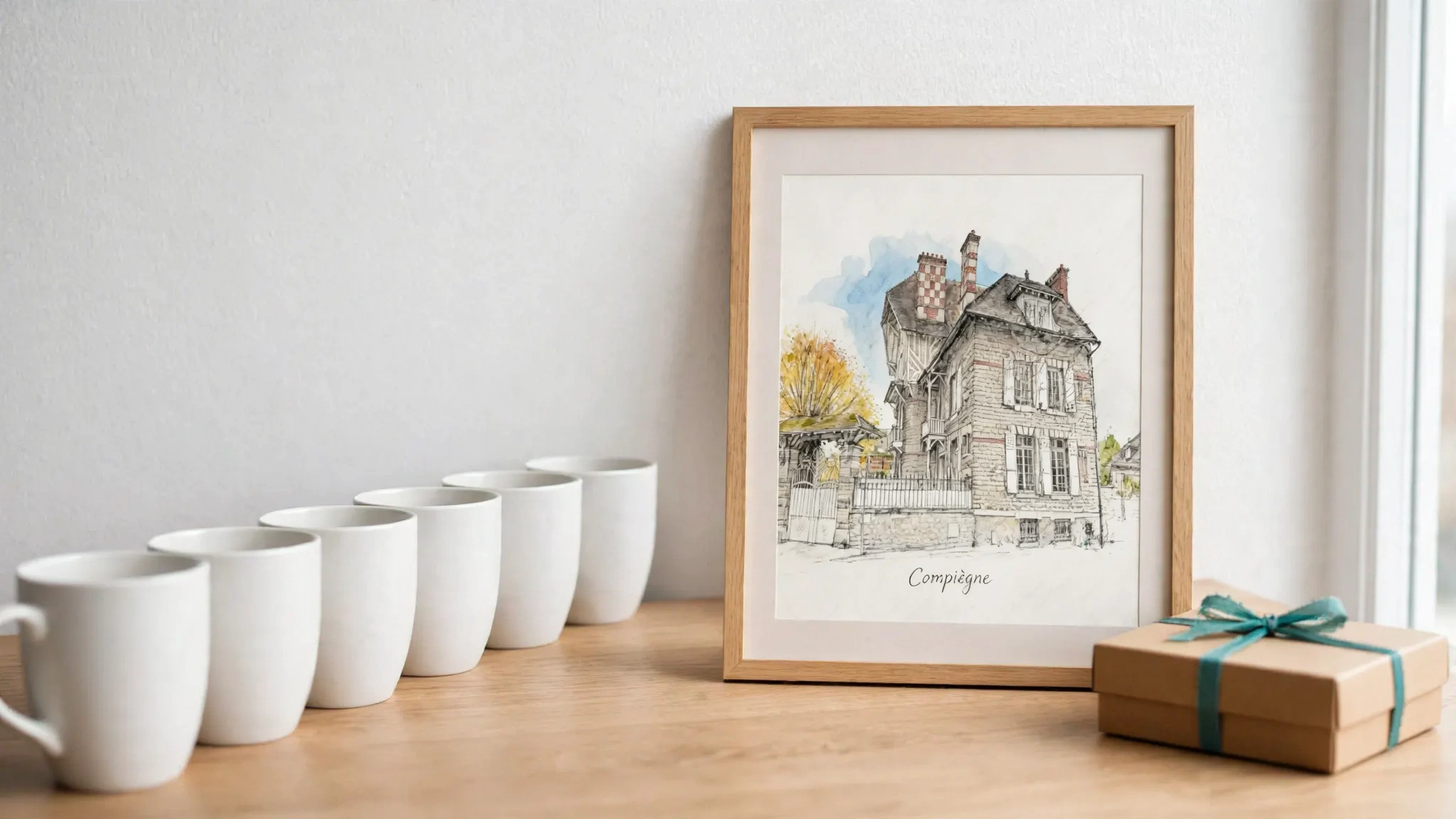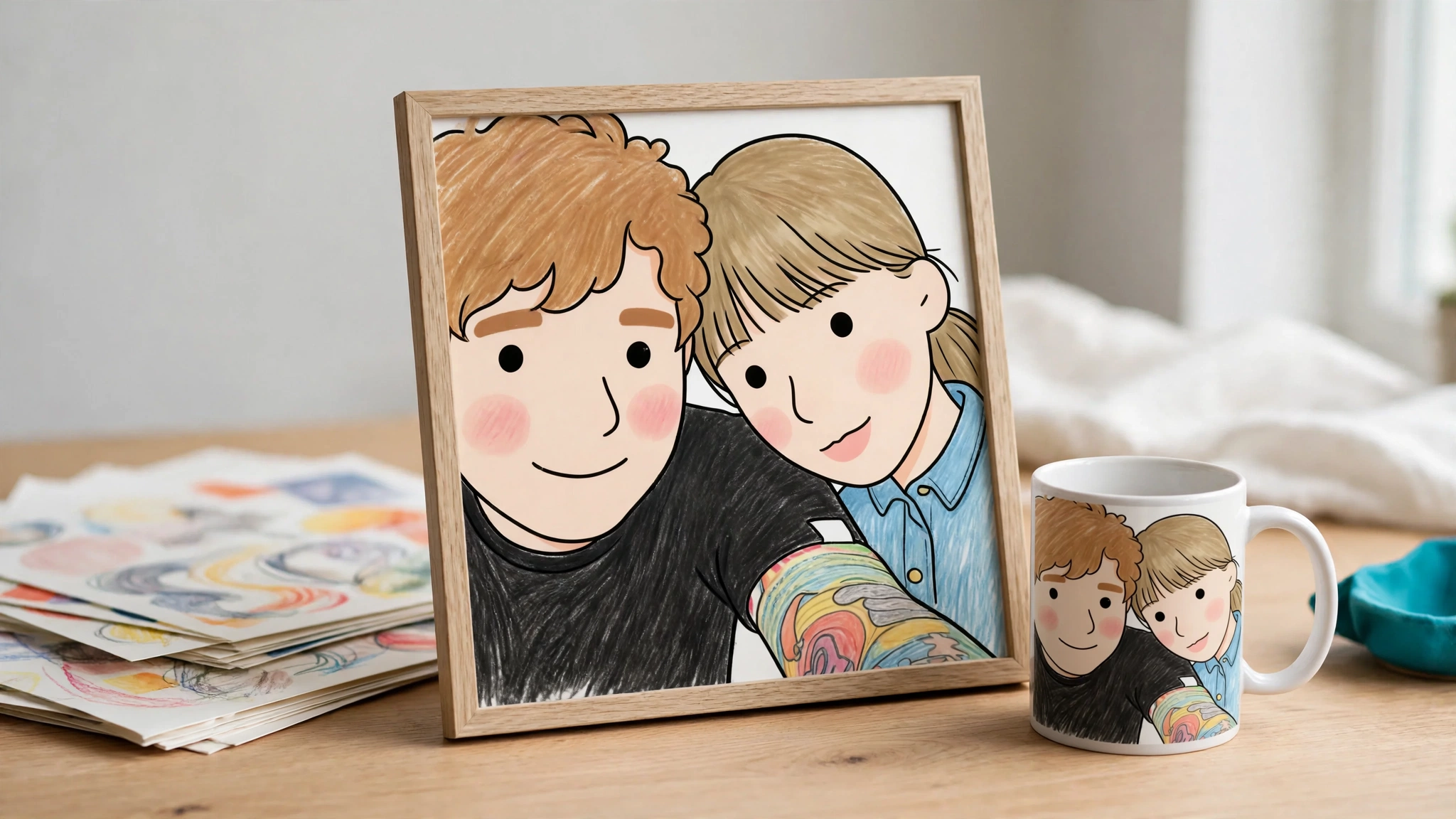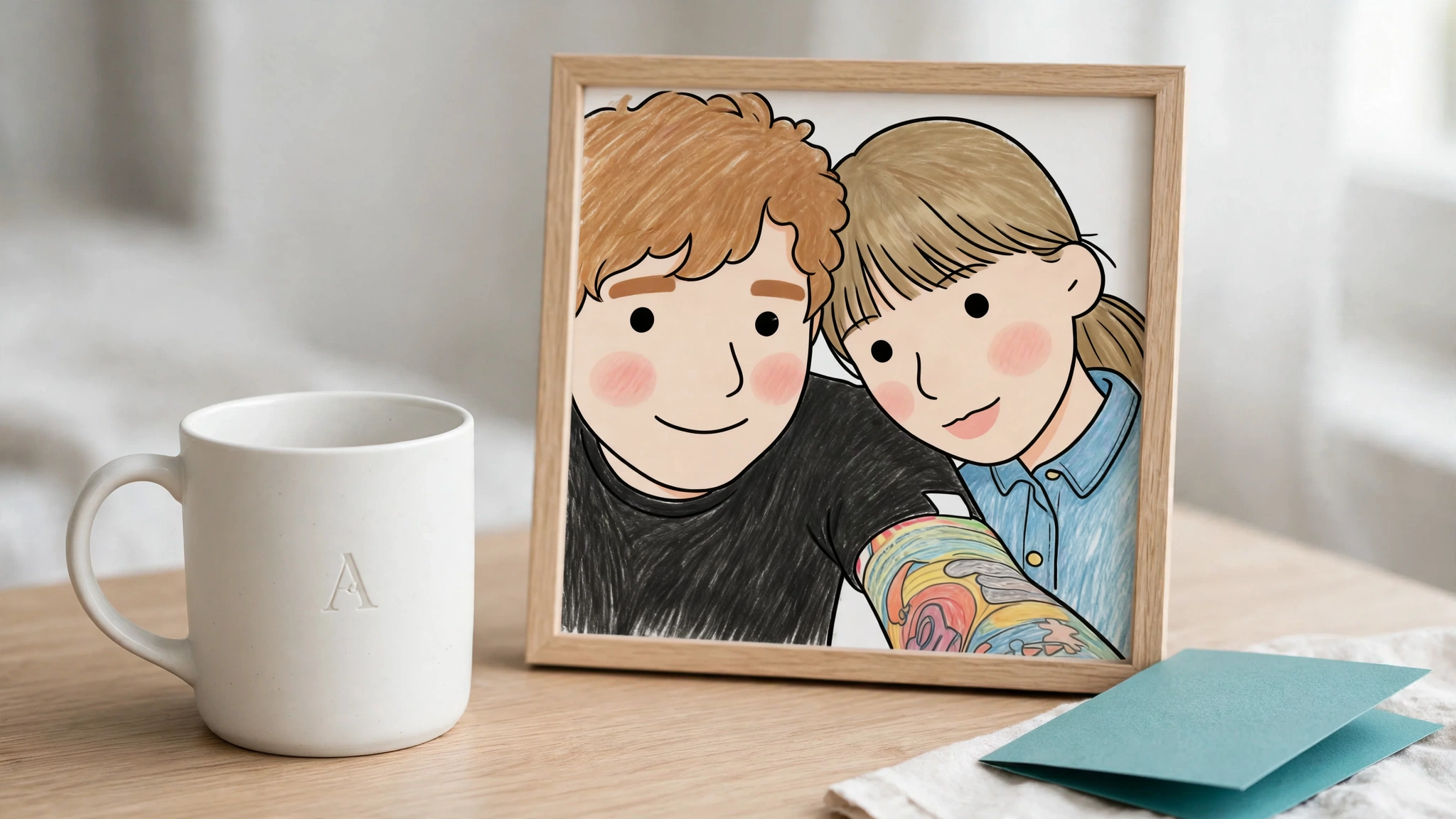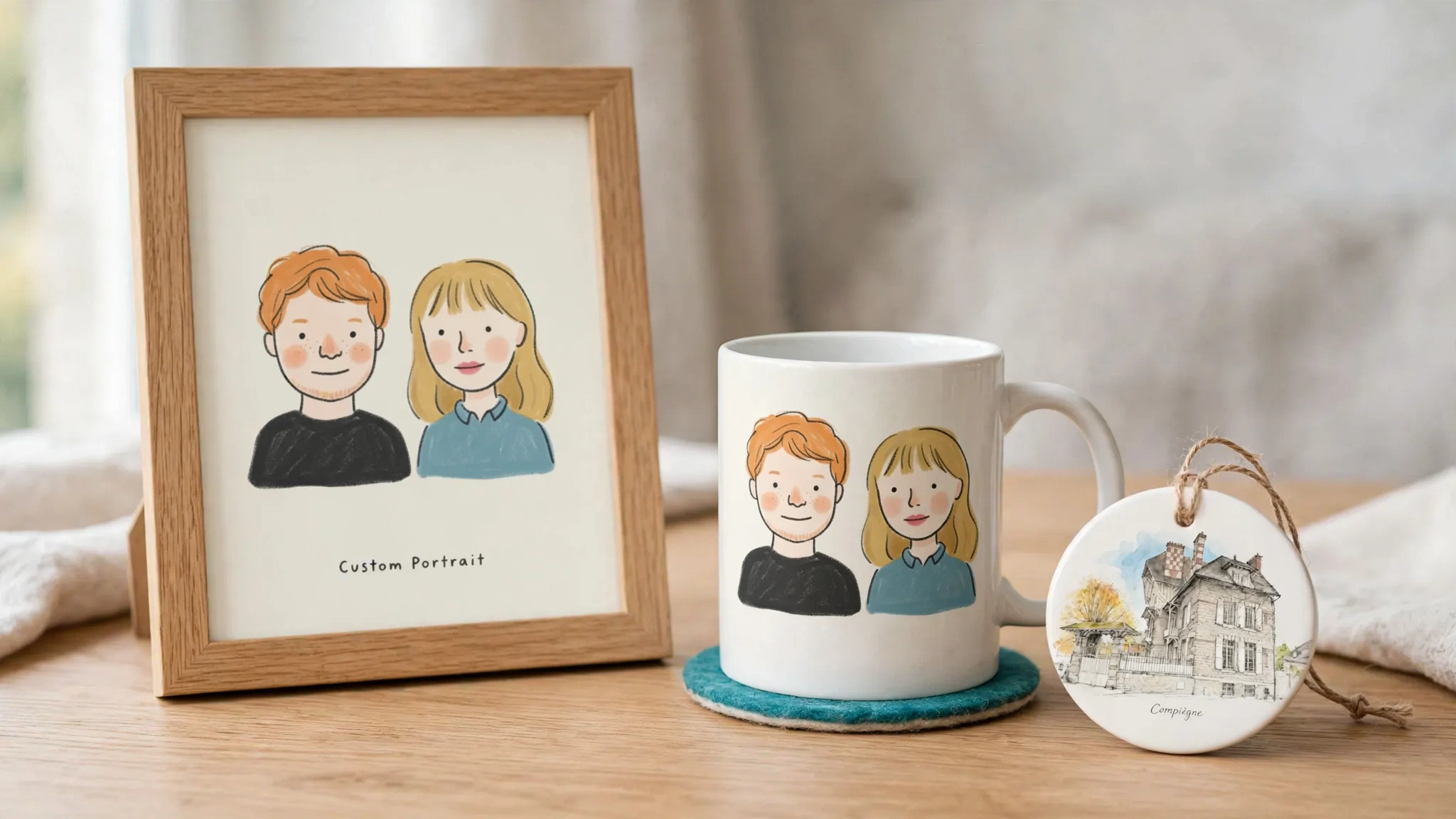
The best Shopify product personalization apps fall into four groups, and the right one depends on what your shopper actually changes. For simple text fields and dropdowns, use a product options app. For layered templates with a live preview and print files, the POD-focused leaders are Customily and Teeinblue. For complex 3D or multi-part products, look at Zakeke or Kickflip. If the shopper’s input should become new AI-generated artwork, previewed before checkout and sent to Printify or Printful, look at AI-first tools: Personalize.design (ours), Podtrait or Autopictura.
Disclosure: Personalize.design publishes this article and makes one of the apps listed. We do not earn affiliate fees from any other app here. Competitor ratings, prices, trials and integrations come from their public Shopify App Store listings as read on 10 October 2026. Prices change often, so check each listing before you install. Where an app is a better fit than ours, we say so.
Quick picks: the best product personalizer for each Shopify use case
- Best for simple text and dropdowns: Easify or Infinite Options. Conditional fields and price add-ons, no design work.
- Best for layered POD templates across many suppliers: Customily. The broadest supplier roster on its listing.
- Best value for POD templates at low volume: Teeinblue. The first 100 orders a month carry no transaction fee.
- Best for 3D or multi-part products: Zakeke. 2D and 3D configuration with Printful and CustomCat listed.
- Best budget customizer: Inkybay. Starts at $19.99/mo with a 21-day trial.
- Best for AI-generated artwork on Shopify + Printify or Printful: Personalize.design (ours). Reusable AI Blueprints with preview limits and a spend cap.
- Best pay-per-unit AI photo restyle: Podtrait. Free install, billed per unit sold.
Quick comparison: Shopify personalization apps as of October 2026
| App | Category | Best for | POD suppliers listed | Starting price + trial |
|---|---|---|---|---|
| Customily | POD personalization | Layered templates, many suppliers | Printify, Printful, Gelato, CustomCat and more | $49/mo + $0.10–$1.00 per order item; 9 days |
| Teeinblue | POD personalization | Configurable POD catalogs | Printify, Printful, Gelato, CustomCat, Prodigi and more | $49/mo + $0.10–$0.40 per order item after 100 free orders; 14 days |
| Kickflip | Classic customizer | Products assembled from parts | None listed | $59/mo + 1.95% to 0% per custom sale; 14 days |
| Zakeke | Classic customizer | 2D/3D configuration | Printful, CustomCat | $69.90/mo + 1.9% (10 products); 14 days |
| Inkybay | Classic customizer | Print shops, budget entry | None listed | $19.99/mo (10 products, 30 orders); 21 days |
| Podtrait | AI personalization | Shopper photo restyled into a set style | Printify (direct) | Free install, $2.00 per unit; 7 days on paid plans |
| Autopictura | AI personalization | Prompt and style-driven designs | “Any POD supplier” (none named) | $49/mo, 50 orders, then $1.50/order; 7 days |
| Personalize.design | AI personalization | Reusable AI Blueprints with spend controls | Printify, Printful | $29/mo + $0.45 per personalized item + AI usage; 14-day trial for new stores |
MyDesigns appears below as a seller-side design and publishing platform. Its focus is creating and listing designs at scale rather than a shopper-facing AI preview, so we cover it separately.
How to choose a Shopify personalization app
Score each product customizer app against six questions. Most bad installs happen because merchants pick on price or reviews before answering the first one.
- What does the shopper change? A fixed choice (font, color, size), an edit inside a template (name, photo, clipart), or the artwork itself?
- What preview does the shopper see? No preview, a live layer preview that updates as they type, or a generated preview that takes a few seconds to render. Our live layer preview vs generated preview comparison covers the trade-offs.
- How does the order reach production? Manual file export, a print file you upload to the supplier, or automatic submission to a connected POD supplier.
- How much setup per product? Option mapping, artwork layers per template, print-area mapping, or a reusable prompt template.
- What does it cost at your volume? Monthly fee, per-item or per-sale fee, order caps, and AI usage. The cost table below works the numbers at 200 items a month.
- Which channel and supplier? Shopify only, or Etsy and WooCommerce too? Printify, Printful, Gelato, CustomCat? A tool that does not list your supplier means manual handoffs.
The four categories of Shopify personalization apps
Here is the test that separates them: ask what the print file contains that did not exist before the shopper arrived.
- Nothing new, only a note on the order: product options app.
- Your template plus the shopper’s edits, as a file you route yourself: classic customizer.
- Your template plus the shopper’s edits, sent automatically to a connected POD supplier: POD personalization tool.
- New artwork generated from the shopper’s input: AI personalization.
1. Product options apps
Product options apps add fields, dropdowns, swatches, checkboxes and conditional price add-ons to a product page. Two of the most reviewed, as read on 10 October 2026:
| App | Rating | Starting price | Free plan | Notable feature |
|---|---|---|---|---|
| Easify Product Options | 4.9 (3,131 reviews) | Pro $9.99/mo | Yes | Conditional logic; formula and per-character price add-ons |
| IO: Infinite Product Options | 4.7 (2,621 reviews) | Essential $12.99/mo | No (14-day trial) | Conditional logic on shopper selections |
Globo, Hulk Product Options and Zepto are other common names in this group. For where options stop and generated artwork starts, see Shopify product options vs AI personalization.
Choose one when: you sell engraving text, a monogram, a gift note or a choice of finish, and someone at your shop or supplier applies it by hand.
Skip it when: the shopper needs to see their result, or you need one print file per order without manual design work.
One Shopify constraint used to push merchants toward options apps: the old 100-variant limit. Shopify raised it to 2,048 variants per product in October 2025. Many guides still say 100, and some apps and supplier integrations still use lower limits, so check them. Free text, uploads and generated artwork still cannot live in native variants, which is why personalization apps exist.
2. Classic product customizer apps (Kickflip, Zakeke, Inkybay)
These give the shopper a visual designer: drag text, upload a photo, pick parts, rotate a 3D model.
- Kickflip is built for products assembled from parts, such as a sneaker or a piece of furniture with chosen materials. Its listing shows 4.4 stars from 135 reviews, $59/mo plus a per-sale fee that falls from 1.95% to 0%, and a 14-day trial. It lists no AI features. Our Kickflip comparison goes deeper.
- Zakeke covers 2D and 3D configuration with a live preview and now calls itself an “AI product personalizer & customizer”, with AI previews on its listing. It shows 4.5 stars from 101 reviews. Plans are capped by published products: Starter $69.90 for 10 products at 1.9%, Grow $129.90 for 50 at 1.7%, Scale $299.90 for 100 at 1.5%.
- Inkybay suits print shops on a budget: 4.5 stars from 168 reviews, Starter at $19.99/mo with 10 products and 30 orders a month, Advance at $49.99 with 100 products and 200 orders, and a 21-day trial.
Choose one when: your product has many physical parts or needs a 3D view. Kickflip and Inkybay list no POD supplier integrations on their App Store pages, so plan how files reach production.
3. POD personalization workflow tools
This is where most Shopify POD merchants should start looking. These apps combine a template editor, a live layer preview, print-ready files and direct supplier connections.
Customily (4.9 stars, 275 reviews) is a broad editor for controlled product systems. It lists a long supplier roster, including Printify, Printful, Gelato, Merchize, Gooten, ShineOn and CustomCat, plus free AI effects and filters and AI mockups. It also sells on platforms besides Shopify. Pricing is $49/mo plus a per-order-item fee that falls from $1.00 to $0.10 with volume, with a 9-day trial. See our Customily comparison.
Teeinblue (4.9 stars, 376 reviews) is a capable system for configurable POD catalogs. Its listing names Printful, Printify, Gelato, CustomCat, Dreamship, Printway and Prodigi, among others, and AI features including Gen AI effects, background removal, face cutout and sketch. Current Shopify pricing for new accounts is the Blue plan: $49/mo, the first 100 orders a month free of fees, then $0.40 to $0.10 per order item, with a 14-day trial. Its listing shows integrations with Gemini, OpenAI and Flux for these effects; check Teeinblue’s docs for whether AI usage is billed separately. See our Teeinblue comparison.
Choose one when: you want layered templates (name, photo cutout, clipart, fonts) across many products and several suppliers or sales channels. Both have years of reviews and broad integrations. If you sell on Shopify and Etsy, they cover more ground than an AI-first Shopify tool.
The trade-off: every template is built by hand, layer by layer. Reviews of both apps mention the setup time and learning curve. The output is your design with the shopper’s edits, which is exactly right for many products, and limiting when the shopper wants something new.
4. AI-generated personalization
AI is now a crowded claim, so split it in two before you compare.
- AI effects: background removal, face cutout, filters, style transfer on an uploaded photo, AI mockups. These improve a template workflow. Customily, Teeinblue and Zakeke all offer some of this.
- AI generation: the shopper’s input (a photo, a name, a style choice) becomes new artwork, then that artwork goes on the product. The prompt is the template.
Three Shopify apps focus on generation:
- Podtrait (launched July 2025) turns a shopper photo into a predefined style and lists Printify as a direct integration, with Printful coming soon. Its Basic plan is free to install at $2.00 per unit, capped at $400 a month; Advanced is $50/mo plus $1.80 per unit with 25 free. Its App Store listing showed no reviews yet on 10 October 2026.
- Autopictura (launched September 2025) supports several AI models and custom prompts. Starter is $49/mo with 50 orders included, then $1.50 per order. It had 2 reviews.
- Personalize.design (ours) is covered in the next section.
Choose this category when: the artwork is the product. Think pet portraits, memorial gifts, family posters, house sketches and ornaments, where a shopper pays for a picture that did not exist before.
Where Personalize.design fits
Personalize.design is an AI product personalizer for print on demand on Shopify. It is built around one object, the Blueprint: a reusable prompt template with customer fields.
A merchant workflow for a pet portrait poster looks like this:
- Connect your Shopify store and your Printify or Printful account, then sync the product.
- Build a Blueprint, from scratch or from one of 14 starter templates such as Cozy Pet Watercolor or Vintage Engraving Portrait. You write the prompt and drop customer fields into it as chips: pet name (text), style (a choice of three or four looks), background (a color from your palette). The shopper’s photo is a required storefront upload.
- Test-generate up to four outputs per run in the admin, with a cost estimate, before anything goes live.
- Publish to the product. A Personalize button appears on the Shopify product page through a theme app block.
- The shopper uploads a photo, fills the fields and gets a generated preview on the product mockup before adding to cart.
- After payment, the personalized item is submitted to your connected supplier automatically when it is ready. If something blocks it, such as a disconnected supplier, the item shows Action required and you retry after fixing it. You can review the customer input, replace or download the final artwork from the order.
Shopper previews are limited by default to 5 per product and 15 per session, reset every 60 minutes, and you can set the per-product limit from 1 to 50. You can set a monthly AI spend cap, and you get an email when remaining previews run low.
Our guide to selling personalized products on Shopify explains the setup in more detail, and the pet portrait use case walks through one product end to end.
Want to see it working first? Install Personalize.design from the Shopify App Store and test-generate a Blueprint in the admin before anything goes live.
Printify personalization: built-in feature vs a third-party app
If you sell through Printify, ask this first: do you need an app at all? Printify’s help center describes free built-in product personalization with manual and automated modes. According to Printify’s documentation, automated personalization on Shopify supports custom text, image uploads and a buyer mockup preview, but not text options (font or color dropdowns).
Use Printify’s built-in feature when you have a few products with a simple text or photo edit. Move to an app when you need conditional fields, font or color choices, one template reused across many products, or AI-generated artwork. Printify also maintains a list of third-party tools that support personalization. For the AI side specifically, see how Printify AI personalization works.
Supplier coverage matrix
From each app’s Shopify App Store “works with” list, as of October 2026:
| App | Printify | Printful | Gelato | CustomCat |
|---|---|---|---|---|
| Customily | Yes | Yes | Yes | Yes |
| Teeinblue | Yes | Yes | Yes | Yes |
| Zakeke | Not listed | Yes | Not listed | Yes |
| Podtrait | Yes (direct) | Coming soon | Not listed | Not listed |
| Kickflip | Not listed | Not listed | Not listed | Not listed |
| Inkybay | Not listed | Not listed | Not listed | Not listed |
| Autopictura | Not named | Not named | Not named | Not named |
| Personalize.design | Yes | Yes | Not yet | Not yet |
“Not listed” means the integration is not on the App Store page. It does not prove the app cannot export a file you upload yourself.
What these apps cost at 200 items a month
Headline prices hide the real cost. Assume 200 personalized items a month, one item per order, and a $40 average item price for apps that charge a percentage ($8,000 of personalized sales).
| App | Plan used | Estimated monthly app cost |
|---|---|---|
| Teeinblue | Blue: 100 orders free, 100 items at $0.10–$0.40 | $59–$89 |
| Inkybay | Advance (200-order cap) | $49.99 |
| Personalize.design | Launch: $29 + 200 × $0.45 | $119 + AI usage |
| Autopictura | Growth: 300 orders included | $149 |
| Customily | $49 + 100 × $1.00 + 100 × $0.50 | $199 |
| Kickflip | $59 + 1.95% of $8,000 at the top rate | about $215 |
| Zakeke | Starter (10-product cap) | about $222 |
| Podtrait | Advanced: $50 + 175 × $1.80 | $365 |
Customily’s per-item tiers are from Printify’s Customily summary: $1.00 for the first 100 items, $0.50 up to 1,000. Personalize.design’s AI generation is billed by usage on top of the plan, and every shopper preview is a generation, so model previews per order, not only orders. New stores get a 14-day trial. See current pricing for details.
Two more things this table does not show:
- AI usage on other apps. Template apps with AI effects may need a third-party AI account, and generation apps bill per image or per unit.
- Supplier base cost, shipping and your time. These dwarf the app fee on most products, and a template that takes a day per product costs more than its invoice.
For how personalization changes the revenue side of that math, see how to increase AOV with product personalization.
Free-trial checklist
Trials run 7 to 21 days. Use them to test the workflow, not the editor demo.
- Build one real product, not the sample template.
- Complete the flow on a phone, including the upload and the preview.
- Test with a drawer or AJAX cart, not only the cart page.
- Check that the personalization reference appears on the cart line and the order.
- Download the print file and compare it with what the shopper previewed.
- Check the file size and resolution against your supplier’s print area.
- Place a test order and confirm it reaches your supplier with the right file, or note every manual step.
- Break something on purpose (disconnect the supplier, use a bad photo) and see how the app tells you.
- For AI apps: count how many previews a typical shopper generates and what that costs.
- Read the reviews from the last 90 days, not the all-time rating.
When Personalize.design is the better fit
- You sell on Shopify and fulfill through Printify or Printful.
- The artwork is the product: pet portraits, memorial gifts, family posters, house portraits, ornaments.
- You want shoppers to see a generated preview on the mockup before they add to cart.
- You would rather maintain a few reusable Blueprints than dozens of layered templates.
- You want preview limits and a monthly AI spend cap from day one.
- You want paid orders submitted to your supplier, with a clear Action required state when something needs you.
When another app is the better fit
- You sell on Etsy, WooCommerce or several platforms. Personalize.design supports Shopify only today. Customily and Teeinblue cover more channels.
- Your supplier is not Printify or Printful. If you fulfill through Gelato, CustomCat or another provider, Customily and Teeinblue list far more suppliers.
- Your products are layered templates with pixel-level control over names, fonts and clipart. See POD personalization workflow tools above.
- Your product is built from physical parts or needs 3D. See classic product customizer apps above.
- You only need a text field or dropdown. See product options apps above.
- Your bottleneck is listing hundreds of designs, not shopper personalization. MyDesigns is a seller-side platform for AI design creation, bulk mockups and publishing to Etsy, Shopify, WooCommerce and TikTok, with a free plan and paid plans from $19.99/mo billed annually ($24.99 month-to-month) on mydesigns.io as of October 2026. See our MyDesigns comparison.
Frequently asked questions
What is the best Shopify product personalization app?
It depends on what the shopper changes. Options apps for fixed choices. Customily or Teeinblue for layered POD templates. Zakeke or Kickflip for 3D or multi-part products. Personalize.design, Podtrait or Autopictura when the shopper’s input should produce new AI artwork previewed before checkout.
Do I need a personalization app if I already use Printify?
Not always. Printify offers free built-in personalization. According to its documentation, automated personalization on Shopify supports custom text, image uploads and a buyer mockup preview, but not text options such as font or color dropdowns. Apps add conditional fields, font and color choices, reusable templates and AI-generated artwork.
How much do Shopify personalization apps cost?
As of October 2026, Customily and Teeinblue start at $49/mo plus per-item fees, Kickflip at $59/mo plus up to 1.95% per sale, and Inkybay from $19.99/mo with order caps. At 200 items a month, our estimates range from about $50 to $365 before AI usage.
What is the difference between a product options app and a product customizer?
An options app adds fields and price rules without changing the product image. A customizer adds a visual step where the shopper sees their design on the product and the app produces a print file. An AI personalizer generates new artwork from the shopper’s input.
Which personalization apps work with Printify, Printful and Gelato?
Customily and Teeinblue list all three, plus CustomCat. Zakeke lists Printful and CustomCat. Podtrait lists Printify. Personalize.design connects to Printify and Printful on Shopify.
How we put this list together
We read each app’s public Shopify App Store listing on 10 October 2026 for ratings, prices, trials, integrations and AI claims, and cross-checked vendor documentation where cited. We did not run paid trials of competitor apps for this article, so we describe their features from their own listings rather than from our testing. The cost table is our arithmetic on published prices. We recheck prices every quarter. If a figure is out of date, tell us and we will correct it. For more side-by-side pages, see all Shopify personalization alternatives.
Start with one personalized product
Pick the product whose artwork your shoppers would pay more for: a pet portrait poster, a memorial print, a family ornament. Build one Blueprint, test it on a phone, place a test order, then decide.
Install Personalize.design and build your first Blueprint.

Written by Kévin D
Founder, product designer and merchant. We turn practical product lessons into clearer merchant workflows.