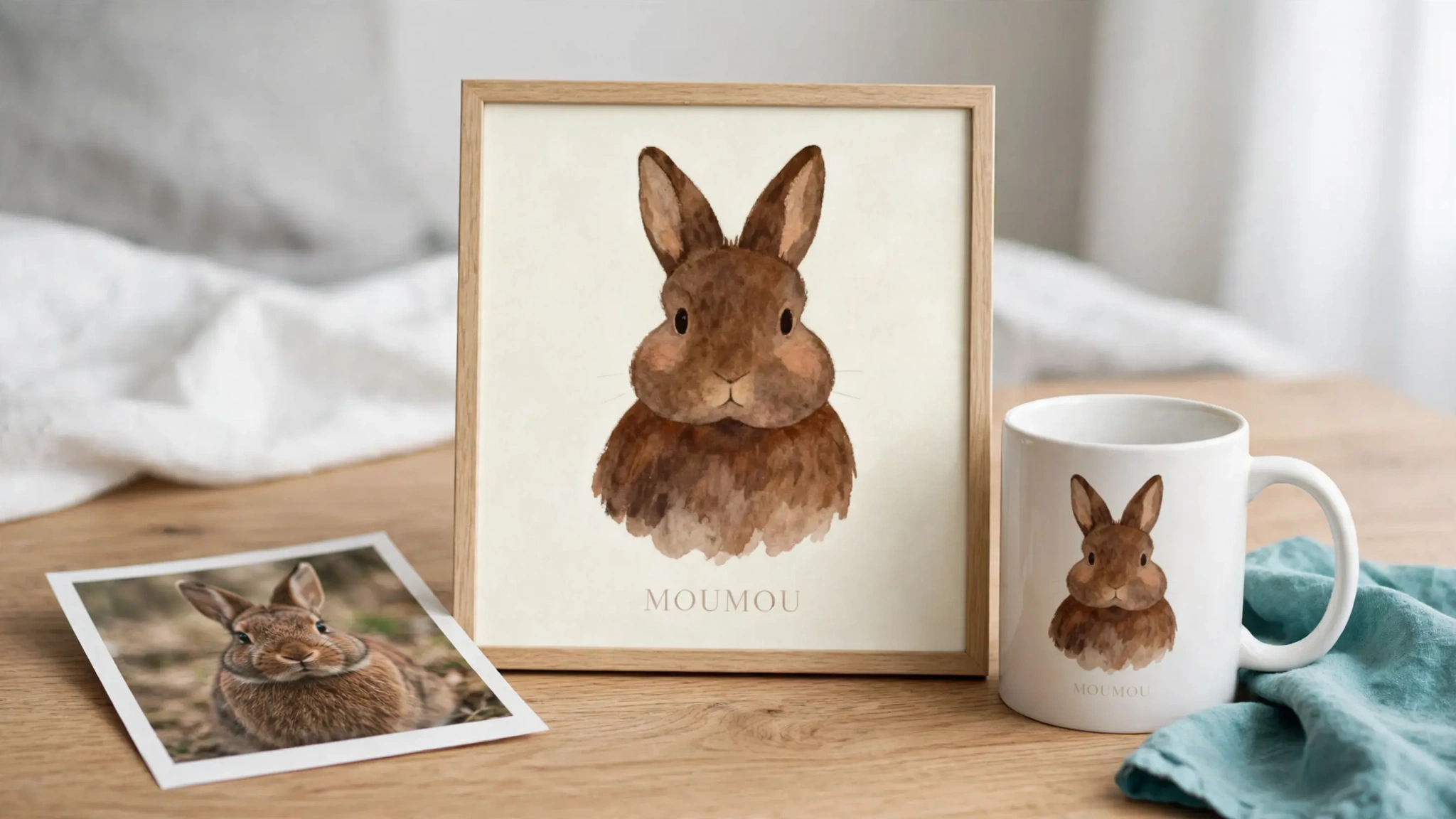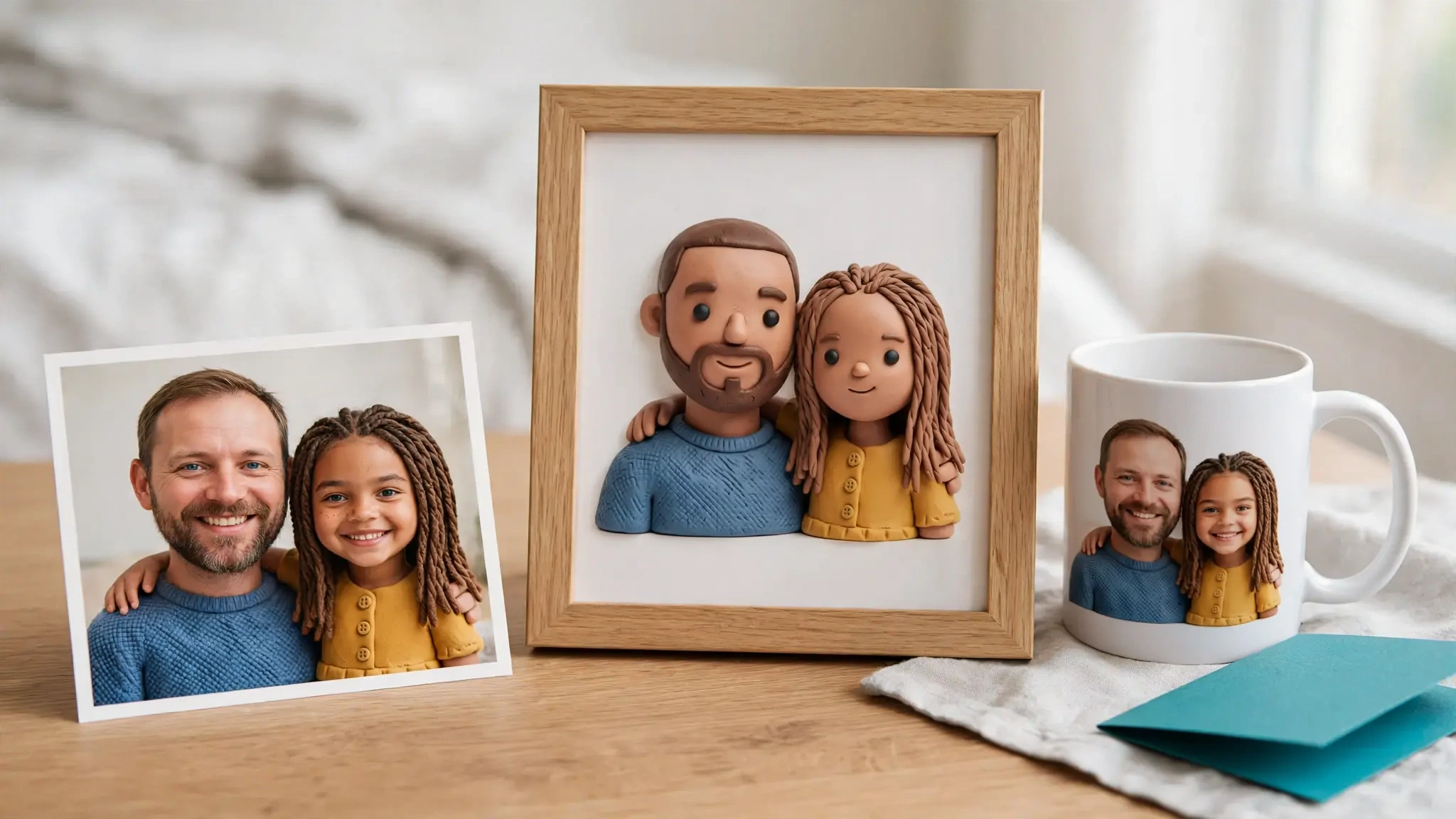
A Shopify product customizer is an app that lets a shopper change something about a product before buying, then passes that choice to your order. It comes in four types, and the right one depends on a single question: what does the shopper change? A name or a color needs an options app. A layout with fixed text and clipart needs a layered template editor. A product built from parts needs a configurator. A photo that should become new artwork needs an AI personalizer. This guide shows what each type costs at 100 and 300 items a month, what to test before you pay, and when a cheaper option is the better call.
Prices, ratings and trials below come from each app’s public listing on 4 November 2026. They change often, so check the listing before you commit.
What does a Shopify product customizer actually do?
Underneath every customizer is the same Shopify feature. Shopify’s Liquid reference describes line item properties as name and value pairs. You add an input to the product form with name="properties[Engraving]", and whatever the shopper types is saved on that line item.
That’s enough for a text field. You can do it with theme code and no app at all. What an app adds is everything around the field:
- a visual step, so the shopper sees the result on the product;
- rules, such as price changes, required fields and conditional fields;
- a production file, so you don’t rebuild each order by hand;
- a connection to a print-on-demand supplier.
Shopify’s own variants cover fixed choices. Per Shopify’s guide to product configurators, a product can have up to three options and 2,048 variants, a limit Shopify raised from 100 in October 2025. That works for 12 colors times 6 sizes. It does nothing for a free-form name or an uploaded photo, because you can’t pre-build every answer as a variant.
The four types of Shopify product customizer
| Type | The shopper changes | You receive | Apps listed in this guide |
|---|---|---|---|
| Options app | A text field, dropdown, checkbox or swatch | Order properties | PC - Custom Product Options |
| Layered template editor | Text, clipart or a photo placed in fixed layers | A print file built from your template | Customily, Teeinblue |
| Configurator | Parts, colors, sizes, sometimes in 3D or AR | A configured product and a spec | Zakeke, Kickflip, Inkybay |
| AI personalizer | A photo and a few answers | New artwork and a print-ready file | Personalize.design |
The types overlap a little. Customily and Teeinblue now include AI effects such as background removal and filters. Zakeke lists AI previews. The difference is where the artwork comes from: in a template editor you drew it and the shopper fills slots, while in an AI personalizer the model generates it from the shopper’s input.
Which type fits your product?
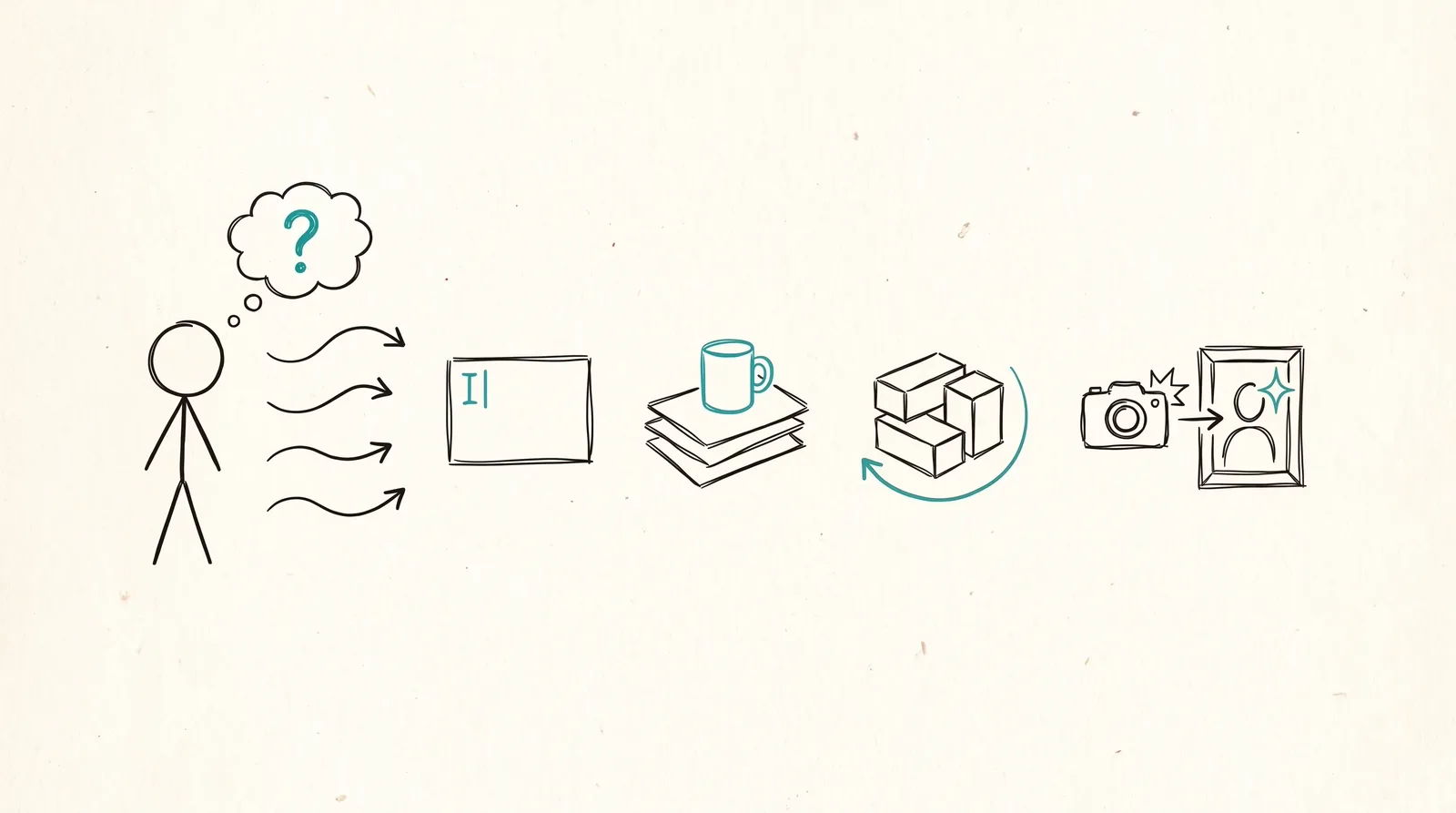
Start with the shopper’s action and work back.
- If they type a name or pick from a list, use an options app, or the theme-code method above. Anything heavier is money wasted.
- If they add a name, a date or a photo to a layout you designed, use a layered template editor. You keep pixel-level control over fonts, positions and clipart, which matters for products like ornaments and mugs where every order must look the same.
- If they assemble a product from parts or want to rotate it in 3D, use a configurator. Zakeke lists a 3D configurator and an AR viewer on all its plans.
- If they upload a photo and expect a portrait, an illustration or a poster back, use an AI personalizer. A template can’t turn a dog photo into a watercolor, and nobody wants to draw 40 styles by hand.
If you’re stuck between the first two or between the last two, our comparisons go deeper: Shopify product options vs AI personalization and live preview vs AI-generated preview.
What does a Shopify product customizer cost?
Headline prices are misleading, because most apps charge a base fee plus a per-item or per-sale fee. Each app lists the following.
| App | Type | Base price | Variable fee | Trial |
|---|---|---|---|---|
| PC - Custom Product Options | Options app | Free plan; Basic $8.90/month; Premium $18.90/month (conditional logic, upcharges) | None | 14 days on paid plans |
| Customily | Template editor | $49/month per platform | $1.00 per item for items 1 to 100, $0.50 for 101 to 1,000, $0.25 for 1,001 to 10,000, $0.10 above | 9 days |
| Teeinblue | Template editor | $49/month | No fee on the first 100 orders each month, then $0.1 to $0.4 per item | 14 days |
| Zakeke | Configurator | From $69.90/month (Starter) | 1.9% of sales through Zakeke on Starter, 1.7% on Grow, 1.5% on Scale | 14 days |
| Kickflip | Configurator | $59/month | 1.95% down to 0% per custom product sale | 14 days |
| Inkybay | Configurator | $19.99 to $249.99/month, by order cap | 0% commission listed on Starter only | 21 days |
| Personalize.design | AI personalizer | $29/month (Launch) | $0.45 per personalized item sold, plus AI generation at cost | 14 days, fees waived |
Now the same list at two volumes. We assume one personalized item per order, a $35 average item price for the apps that take a percentage, and that each Customily fee tier applies to the items inside it.
| App | 100 items a month | 300 items a month |
|---|---|---|
| PC - Custom Product Options | $0 to $18.90, flat | $0 to $18.90, flat |
| Inkybay | $49.99 (Advance, 200-order cap) | $99.99 (Professional, 2,000-order cap) |
| Teeinblue | $49 | $69 to $129 |
| Personalize.design | $74 + AI generation | $164 + AI generation |
| Kickflip | up to $127.25 | up to $263.75 |
| Zakeke | $136.40 (Starter) | $269.40 (Starter) |
| Customily | $149 | $249 |
The options app is the cheapest line, but it adds fields, not a preview or a print file. The Customily figures assume one platform, and the Inkybay figures exclude any commission on plans above Starter. Three more caveats apply to that table:
- AI usage isn’t in the Personalize.design numbers. Generation is billed at cost and depends on how many previews your shoppers run. The app lists merchant-set spending limits, and you should set one before you publish.
- Percentage fees depend on your prices. At $60 an item, Zakeke and Kickflip cost noticeably more than shown. At $20, noticeably less.
- Caps change the plan you need. Inkybay’s Starter plan allows 30 custom orders a month, so it only fits very small shops.
For a margin view that includes supplier cost and shipping, use the personalized product margin calculator. The app fee is rarely the biggest line.
Is there a free Shopify product customizer?
Yes, for simple customization. There are three routes:
- Theme code. A text field with
name="properties[Engraving]"costs nothing, as described above. - A free options plan. PC - Custom Product Options lists a free plan with unlimited products and basic fields: line and paragraph text, radio buttons, dropdowns and checkboxes. Its paid plans add file uploads, swatches and conditional logic. Shopify’s own guide also says Easify and Optis have free plans.
- Free development-store plans. Customily, Teeinblue and Zakeke each list a free plan, but only for development stores. On a live store you pay, after the trial.
Visual customizers with a preview and a print file don’t have a permanent free plan on a live store. What you get is a trial of 9 to 21 days.
What should you test before you pay?
Every paid plan above comes with a trial of 9 to 21 days. Use it on a real product, not the sample template.
- Place a test order and open the file. Check the format, the resolution and whether the artwork matches the preview. This is where the types differ most.
- Look at where the shopper’s input shows up. Open the order and check that every property you collect, such as the name, the date or the photo, is attached and readable.
- Try it on a phone. Many of your shoppers will, and an editor that’s pleasant on a laptop can be painful on a small screen.
- Break it on purpose. Type a very long name, upload a blurry photo, leave a required field empty.
- Check the supplier connection. Confirm your print provider is on the app’s list before you build anything.
- Price a month of volume. Use the table above with your real item price.
How do the app ratings compare?
Ratings come from the Shopify App Store listings. A rating is a rough signal. It tells you little about whether an app fits your product.
| App | Rating | Reviews |
|---|---|---|
| PC - Custom Product Options | 4.7 | 1,170 |
| Teeinblue | 4.9 | 389 |
| Customily | 4.8 | 280 |
| Inkybay | 4.5 | 168 |
| Zakeke | 4.5 | 100 |
| Kickflip | 4.3 | 139 |
| Personalize.design | None yet | 0 |
Personalize.design’s listing shows no reviews yet. If a long track record matters to you, that counts against it today, and you should weigh it against the other points in this guide.
Which suppliers do these apps connect to?
Supplier fit often decides the choice, so check it before you compare features. From the listings:
- Customily lists Printify, Printful, Gelato, Gooten, ShineOn, CustomCat, teelaunch, Merchize, Posterflow, JetPrint, merchOne and Printbelle.
- Teeinblue lists Printful, Printify, Gelato, merchOne, ShineOn, Dreamship, Merchize, CustomCat, Printway, Printbelle and Prodigi.
- Zakeke lists Printful and CustomCat, and says it can connect to other print-on-demand providers.
- Personalize.design lists Gelato, Printful, Printify and ShineOn.
- Inkybay and Kickflip don’t name suppliers on their listings.
If you fulfill through a provider that only Customily or Teeinblue lists, that settles it. Platform reach differs too: Customily’s pricing page says its plan covers Shopify, Etsy, Amazon, WooCommerce and Shoplazza.
When should you stay with a template editor?
Template editors are the right call in several cases.
- Your products are text and clipart in fixed positions, and every order should look exactly like your sample.
- You sell on Etsy, Amazon or WooCommerce as well as Shopify.
- You use a supplier that only the template apps list.
- You want the longest review history. Customily and Teeinblue have the most reviews among the visual customizers in this guide.
We made Personalize.design, so weigh this section against the rest of the page. If your shoppers only fill slots, you don’t need generative AI, and Teeinblue’s fee-free first 100 orders make it the cheaper of the two at 100 items a month.
When does an AI personalizer make more sense?
An AI personalizer earns its place when the shopper’s photo is the product. A pet portrait, a family poster or a house illustration can’t be a template, because every photo needs a different result.
Personalize.design works like this. You define a reusable AI Blueprint once: the prompt, the shopper inputs, any reference image and the output rules. You test it as a draft, then publish. Each shopper uploads a photo, previews the result on the product before checkout, and your order arrives with print-ready artwork. Build, the draft stage, has no subscription fee, and the 14-day Launch trial waives the subscription and the per-item fee.
Know the limits before you try it:
- It’s built for Shopify.
- Its listing names four suppliers, fewer than the template apps.
- AI output can vary, which is why you test the Blueprint and preview before you publish.
- Generation costs scale with how many previews shoppers run.
For a longer walkthrough, see how to sell AI-personalized products on Shopify and our roundup of Shopify personalization apps. If you’re leaving a specific app, we have separate pages for the Customily, Teeinblue, Zakeke and Kickflip cases.
Frequently asked questions
What is the best Shopify product customizer?
It depends on what the shopper changes. Use an options app for text and dropdowns, a template editor like Customily or Teeinblue for fixed layouts, a configurator like Zakeke or Kickflip for multi-part products, and an AI personalizer when a photo should become new artwork.
Is there a free Shopify product customizer?
For text fields and dropdowns, yes: theme code is free, and PC - Custom Product Options lists a free plan. Visual customizers with a print file have a trial, and a free plan only on development stores.
Can I customize products on Shopify without an app?
For simple fields, yes. Shopify’s Liquid reference documents line item properties, so you can add an input named properties[Engraving] to the product form with theme code. A visual preview, price rules and a production file need an app.
How much does a Shopify product customizer cost?
On the listings checked on 4 November 2026, options apps run from free to $18.90 a month and visual customizers start between $19.99 and $69.90 a month, with per-item or per-sale fees on top. At 300 items a month, our estimates for visual customizers range from about $70 to about $270 before AI usage, against $0 to $18.90 for an options app.
Which Shopify product customizer is cheapest?
An options app is the cheapest, and PC - Custom Product Options has a free plan, but it only adds fields. Among visual customizers at 100 items a month, Teeinblue and Inkybay come out lowest, both around $50. Inkybay’s cheaper plans have order caps, and Teeinblue’s fee-free first 100 orders stop helping as volume grows.
Do these apps work with Printify and Printful?
Customily, Teeinblue and Personalize.design list both Printify and Printful. Zakeke lists Printful and CustomCat. Check the listing for your own supplier before you install.
Sources
Facts about each app come from the pages below, read on 4 November 2026.
- Customily pricing and its Shopify listing
- Teeinblue on the Shopify App Store
- Zakeke on the Shopify App Store
- Kickflip on the Shopify App Store
- Inkybay on the Shopify App Store
- Personalize.design on the Shopify App Store
- PC - Custom Product Options on the Shopify App Store
- Shopify guide: product configurators
- Shopify Liquid reference: line_item
- Shopify changelog: 2,048 variants per product
We didn’t run paid trials of the competitor apps for this guide, so their features are described from their own listings and documentation.
Start with one personalized product
Pick the product whose artwork your shoppers would pay more for, a pet portrait poster or a family ornament. Build it, test it on a phone, place a test order and open the file. Then decide which type you need.
Install Personalize.design and build your first Blueprint.

Written by Kévin D
Founder, product designer and merchant. We turn practical product lessons into clearer merchant workflows.